
Key facts
- Manuals
- 1
- Languages
- ZH
- Last added
- 2012-03-09
Featured intuos manuals
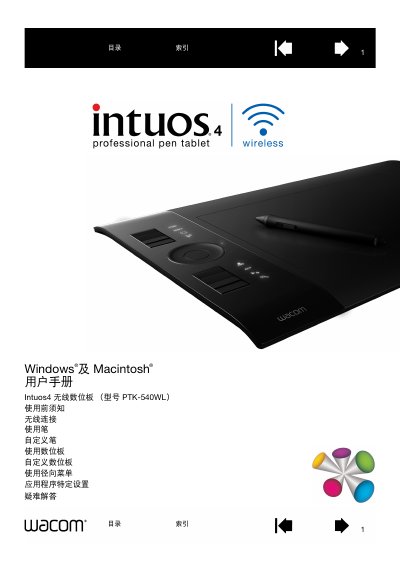
Wacom Intuos4 Wireless Pen Tablet User Manual
This manual introduces the Intuos4 Wireless pen tablet (model PTK-540WL) and its components, including the tablet surface, pen, battery, and optional accessories. It explains how to power the device, activate the battery, and manage power‑saving features.
The guide covers wireless (Bluetooth) and USB connections, detailed usage instructions, customization of pens, ExpressKeys, the touch ring, and radial menus, as well as troubleshooting tips and an appendix with technical specifications and regulatory information. This manual is written in Chinese.
Covers: Introduction · Battery and Power Management · Wireless and USB Connections · Using the Tablet · Customizing the Tablet · ExpressKeys and Touch Ring
Latest intuos manuals
Wacom Intuos4 Wireless Pen Tablet User Manual
User Manual 113 pages · 4.4 MB · ZHThe Wacom Intuos4 Wireless pen tablet user manual provides setup, customization, battery and connectivity instructions.
Which document do I need?
User Manual
Day-to-day operation, settings and troubleshooting. Start here if the product is already set up.
Questions answered in intuos manuals
How can I create a Bluetooth connection?
Create a Bluetooth connection by following the steps in the "创建蓝牙连接" (Create Bluetooth connection) section.
What are ExpressKeys and how do I customize them?
ExpressKeys are programmable buttons; customization instructions are provided in the "自定义 ExpressKeys" section.