
Key facts
- Manuals
- 1
- Languages
- EN
- Last added
- 2012-03-12
Featured HARKE manuals
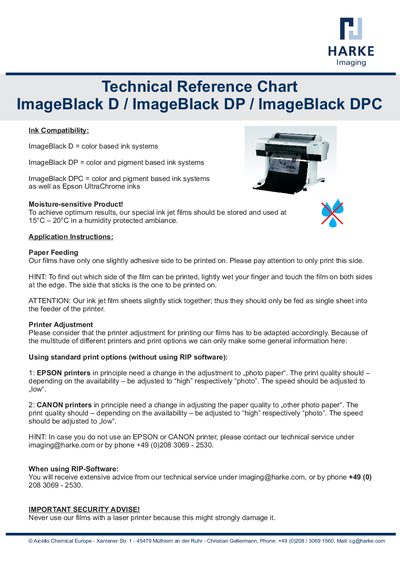
HARKE ImageBlack D/DP/DPC Technical Reference Chart
This reference chart lists the ink compatibility of the ImageBlack D, DP, and DPC film series. ImageBlack D works with color‑based ink systems, while DP and DPC are compatible with both color and pigment‑based inks, including Epson UltraChrome inks.
The chart also gives handling instructions: store the moisture‑sensitive films at 15°C — 20°C in a humidity‑protected environment, feed them as single sheets, print on the slightly adhesive side (identified by a wet‑finger test), and adjust printer settings for EPSON or CANON models. Laser printers must not be used.
Covers: Ink Compatibility · Application Instructions · Paper Feeding · Printer Adjustment · Standard Print Options · RIP‑Software Guidance
Latest HARKE manuals
HARKE ImageBlack D/DP/DPC Technical Reference Chart
Product Leaflet 1 pages · 290 KB · ENThe HARKE ImageBlack D/DP/DPC Technical Reference Chart provides ink compatibility, storage, and printer adjustment guidelines for these inkjet films.
Questions answered in HARKE manuals
Which side of the film should be printed on?
Print on the slightly adhesive side; you can identify it by lightly wetting your finger and touching both edges – the side that sticks is the printable side.
Can I use a laser printer with these films?
No. Using a laser printer with the films may strongly damage the printer.