
Key facts
- Manuals
- 1
- Languages
- ZH
- Last added
- 2012-02-28
Featured GW-7557 manuals
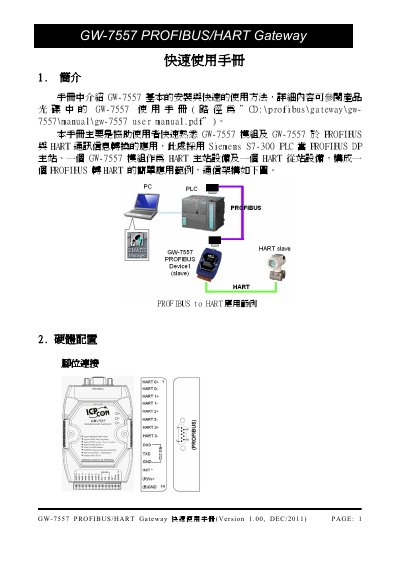
GW-7557 PROFIBUS/HART Gateway Quick Start Guide
This guide provides a brief overview of the GW-7557 PROFIBUS/HART Gateway, showing how to install the module, connect it to a PROFIBUS DP master and HART devices, and set the module address using the DIP switch. It also explains the LED indicators that show power, error, and run status.
The document describes the required software steps, including loading the GSD file into the PROFIBUS configuration tool, configuring module parameters, and performing a communication test with HART devices. After configuration, a power reset is required for the settings to take effect. This manual is written in Chinese.
Covers: Introduction · Hardware Configuration · LED Status Display · Software Configuration · GSD File Configuration · Module Parameter Configuration
Latest GW-7557 manuals
GW-7557 PROFIBUS/HART Gateway Quick Start Guide
Quick Start Guide 9 pages · 1.1 MB · ZHQuick start guide for the GW-7557 PROFIBUS/HART Gateway, covering installation, hardware connections, address setting, LED status and communication…
Which document do I need?
Quick Start Guide
The shortest path to a working setup, usually only a few pages.
Questions answered in GW-7557 manuals
How do I set the PROFIBUS address for the GW-7557?
Open the module cover, locate the DIP switch, and set the desired address (0‑126) using the switch positions.
How do I apply the configuration changes after setup?
After completing the configuration steps, power‑reset the GW-7557 to make the settings take effect.