
Key facts
- Manuals
- 1
- Languages
- ZH
- Last added
- 2012-01-27
Featured GDP:PM manuals
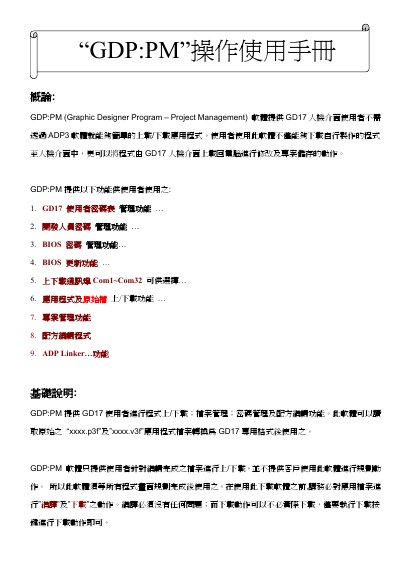
GDP:PM User Manual
The GDP:PM (Graphic Designer Program – Project Management) software provides tools for GD17 HMI users to upload/download applications, manage projects, BIOS versions, and recipe files. It includes functions such as user and BIOS password management, project management, formula editing, and ADP linking.
The manual guides users through installation, BIOS updating, ADP Linker usage, and troubleshooting common errors. Step‑by‑step instructions cover running the setup program, configuring BIOS settings, creating and transferring project files, and handling error messages that may arise during operation. This manual is written in Chinese.
Covers: Installation Procedure · BIOS Update · ADP Linker Usage · Project Management Functions · Recipe Management · Error Messages and Troubleshooting
Latest GDP:PM manuals
GDP:PM User Manual
User Manual 22 pages · 3.8 MB · ZHUser manual for the GDP:PM software that manages GD17 HMI projects, BIOS updates and ADP linking.
Which document do I need?
User Manual
Day-to-day operation, settings and troubleshooting. Start here if the product is already set up.
Questions answered in GDP:PM manuals
How can I update the GD17 BIOS using GDP:PM?
Select the “BIOS Setting” option in the software, choose the BIOS file (e.g., VerD‑17B.rom), and click the “Download BIOS” button to install the new version.
From: GDP:PM User Manual
What is the purpose of the ADP Linker feature?
ADP Linker allows users to connect different ADP software versions and transfer project files by selecting the appropriate path and using the “New…" button.
From: GDP:PM User Manual