
Key facts
- Manuals
- 1
- Languages
- ZH
- Last added
- 2012-01-05
Featured FC manuals
FC PLC EasyView Communication Manual
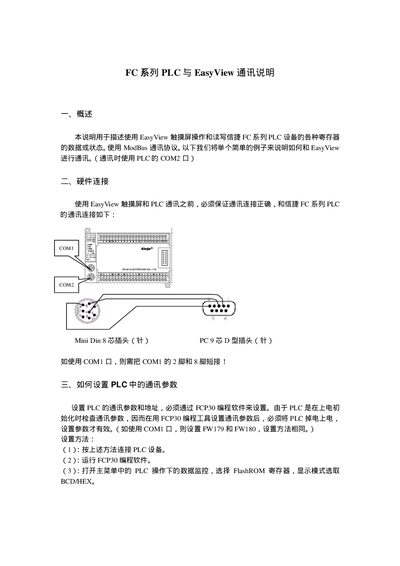
The document describes the required hardware wiring between an EasyView touch screen and an FC series PLC, including the use of a Mini‑Din 8 connector and the short‑circuit of pins 2 and 8 when using the COM1 port. It also details the Modbus communication settings such as baud rate, data bits, parity and stop bits.
Configuration steps are provided using the FCP30 programming software: set the PLC communication parameters, program registers FW183 and FW184, power‑cycle the PLC, and then create EasyView screens that read and write PLC registers. An example shows how to control a PLC relay (M0) from EasyView and how to map EasyView objects to PLC addresses. This manual is written in Chinese.
Covers: Hardware Connection · Setting Communication Parameters · Modbus Configuration · EasyView Setup · Register Mapping · Example Operation
Latest FC manuals
FC PLC EasyView Communication Manual
User Manual 5 pages · 198 KB · ZHThis manual explains how to connect and configure FC series PLCs with the EasyView HMI using the Modbus protocol.
Which document do I need?
User Manual
Day-to-day operation, settings and troubleshooting. Start here if the product is already set up.
Questions answered in FC manuals
Which COM port should be used for EasyView communication?
The manual specifies using the PLC’s COM2 port for communication with EasyView.
What are the EasyView register addresses for the PLC?
The manual provides a mapping table, for example device type 0x address 1 maps to MO, 0x address 2 maps to MI, etc.