
Key facts
- Manuals
- 1
- Languages
- ZH
- Last added
- 2012-02-03
Featured F2812 manuals
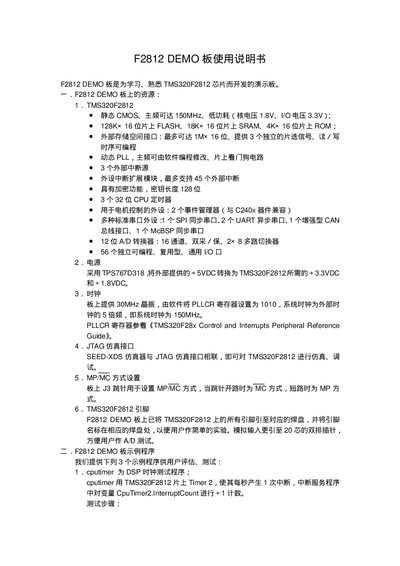
Texas Instruments F2812 DEMO Board User Manual
The F2812 DEMO board is a development platform for learning and familiarizing with the TMS320F2812 DSP. It includes the processor core, on‑chip Flash, SRAM and ROM, a 30 MHz crystal, voltage regulators, multiple communication interfaces (SPI, UART, CAN, McBSP), 56 GPIO pins, 12‑bit 16‑channel ADC, timers, watchdog, and extensive interrupt resources.
The manual supplies three example programs (cputimer, gpio, ad) with step‑by‑step instructions for loading GEL files, compiling projects in Code Composer, disabling the watchdog, and observing results with the watch window or an oscilloscope. It also details the procedure for on‑chip Flash programming using the SDConfig/SDFlash tools, project setup, and verification. This manual is written in Chinese.
Covers: Board Resources · JTAG Interface · MP/MC Mode · Pin Assignment · Example Programs · cputimer Example
Latest F2812 manuals
Texas Instruments F2812 DEMO Board User Manual
User Manual 4 pages · 27 KB · ZHThe Texas Instruments F2812 DEMO Board User Manual provides hardware overview, example programs, and flash programming instructions for the TMS320F2812 DSP.
Which document do I need?
User Manual
Day-to-day operation, settings and troubleshooting. Start here if the product is already set up.
Questions answered in F2812 manuals
How do I disable the TMS320F2812 on‑chip watchdog?
Select the GEL command → Watchdog → Disable_WD in Code Composer to turn off the watchdog circuit.