
Key facts
- Manuals
- 1
- Languages
- ZH
- Last added
- 2012-02-24
Featured Enterasys manuals
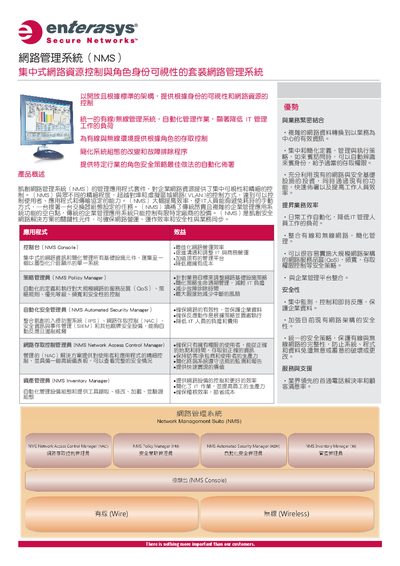
Enterasys Network Management Suite (NMS) User Manual
The Network Management Suite (NMS) is a centralized platform that monitors and controls all network infrastructure components, offering role‑based visibility, access control, and automated security policies. It integrates modules such as the NMS Console, Policy Manager, Automated Security Manager, Network Access Control Manager, and Inventory Manager.
This manual describes how to install the server and client software, configure each module, use value‑bundle options, and manage hardware requirements, licensing, and warranty support. It also includes reference tools like FlexViews, Device Discovery, Topology Maps, and MIB Browser. This manual is written in Chinese.
Covers: NMS Console · Policy Manager · Automated Security Manager · Network Access Control Manager · Inventory Manager · Value Bundles
Latest Enterasys manuals
Enterasys Network Management Suite (NMS) User Manual
User Manual 6 pages · 3.8 MB · ZHThe Enterasys Network Management Suite (NMS) User Manual provides installation, configuration, and policy management guidance for the network management system.
Which document do I need?
User Manual
Day-to-day operation, settings and troubleshooting. Start here if the product is already set up.
Questions answered in Enterasys manuals
What operating systems are supported by the NMS software?
NMS runs on Windows Vista (SP1 optional), Windows Server 2008 Enterprise, and Linux distributions such as Red Hat Enterprise Linux and SuSE Linux.
How many devices can the NS‑AB‑50 bundle manage?
The NS‑AB‑50 bundle can manage up to 50 devices.