
Key facts
- Manuals
- 1
- Languages
- ZH
- Last added
- 2012-03-13
Featured DVS-N1010 manuals
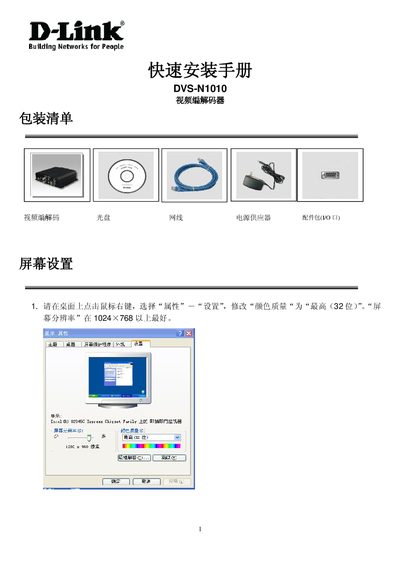
DVS-N1010 Video Codec Quick Installation Guide
This guide provides step‑by‑step instructions for installing the DVS‑N1010 video codec. It describes the required power supply, Ethernet connection, video and audio input/output ports, RS‑485/PTZ header and GPIO pins, and shows how to connect the device to a PC.
The document also explains how to install the IP Installer software, configure the device’s IP address (e.g., 192.168.1.200), and select compatible SanDisk SD cards for storage. Basic network settings such as subnet mask and DNS are included. This manual is written in Chinese.
Covers: Installation Overview · Power Supply · Network Configuration · Video Connections · Audio Connections · RS‑485/PTZ Interface
Latest DVS-N1010 manuals
DVS-N1010 Video Codec Quick Installation Guide
Quick Start Guide 6 pages · 453 KB · ZHQuick Installation Guide for the DVS‑N1010 video codec, covering power, video/audio connections, network setup and SD‑card options.
Which document do I need?
Quick Start Guide
The shortest path to a working setup, usually only a few pages.
Questions answered in DVS-N1010 manuals
What power supply is required for the DVS‑N1010?
The device requires a DC 12 V power supply.