
Key facts
- Manuals
- 1
- Languages
- ZH
- Last added
- 2011-11-03
Featured DUAL-VIEW manuals
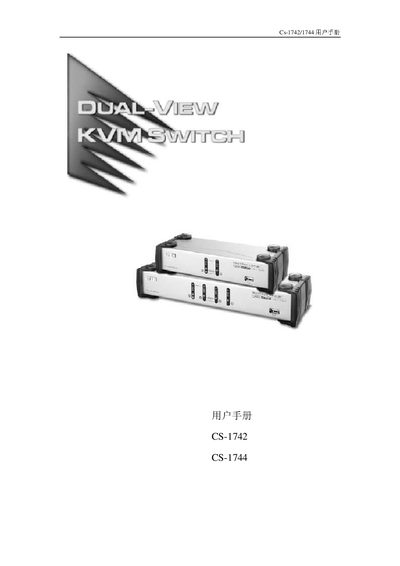
ATEN CS-1742/CS-1744 USB KVM Switch User Manual
The CS-1742/CS-1744 series are USB KVM switches that add dual‑screen capability to up to two (CS‑1742) or four (CS‑1744) computers. Each host can share USB peripherals, audio, and video through a single control console, with independent (asynchronous) switching of KVM, USB and audio signals.
This manual covers product overview, hardware requirements, installation steps, basic operation, hot‑key commands, firmware upgrade procedures, specifications, troubleshooting tips, and default hot‑key settings. This manual is written in Chinese.
Covers: Introduction · Features · Hardware Requirements · Installation · Basic Operation · Hotkey Operations
Latest DUAL-VIEW manuals
ATEN CS-1742/CS-1744 USB KVM Switch User Manual
User Manual 37 pages · 521 KB · ZHThe ATEN CS-1742/CS-1744 USB KVM Switch User Manual provides setup, operation, hotkey functions, and troubleshooting for dual‑screen KVM switching.
Which document do I need?
User Manual
Day-to-day operation, settings and troubleshooting. Start here if the product is already set up.
Questions answered in DUAL-VIEW manuals
How many host computers can the CS‑1742 model control?
The CS‑1742 model supports up to 2 host computers.
What power supply is required for the KVM switch?
It requires a DC 5 V power source.