
Key facts
- Manuals
- 1
- Languages
- EN
- Last added
- 2012-03-14
Featured DrawingBoard manuals
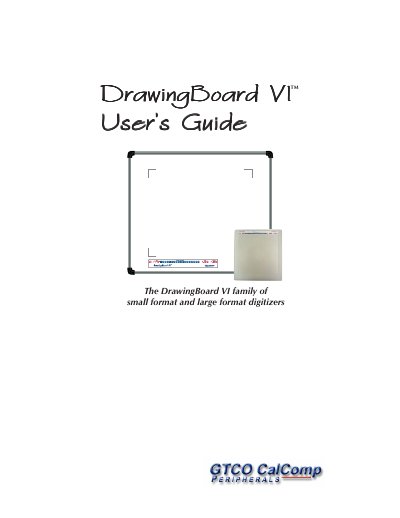
CalComp DrawingBoard VI User Manual
The DrawingBoard VI is a graphic tablet (digitizer) that converts the position of a pen or cursor into X/Y coordinate data for a computer. It offers a high resolution of 12,700 lines per inch and supports both USB and optional RS‑232 serial connections. The device can be used with a variety of software that accepts digitizer input via the Wintab or TabCon APIs.
This manual covers everything from unpacking and parts checklist, through PC requirements and installation of the TabletWorks driver, to configuring the tablet, using transducers, and troubleshooting common issues. Warranty and technical support information are also provided.
Covers: What is DrawingBoard VI? · Parts Checklist · PC Requirements · DrawingBoard VI Overview · Setting Up Your DrawingBoard VI · Software Configuration
Latest DrawingBoard manuals
CalComp DrawingBoard VI User Manual
User Manual 48 pages · 805 KB · ENThe CalComp DrawingBoard VI User Manual provides setup, operation, and troubleshooting instructions for the DrawingBoard VI digitizer.
Which document do I need?
User Manual
Day-to-day operation, settings and troubleshooting. Start here if the product is already set up.
Questions answered in DrawingBoard manuals
What connections does the DrawingBoard VI support?
It supports a USB connection and an optional RS‑232 serial connection.
What is the resolution of the DrawingBoard VI?
The tablet provides a resolution of 12,700 lines per inch.