
Key facts
- Manuals
- 1
- Languages
- ZH
- Last added
- 2012-03-14
Featured DR-618 manuals
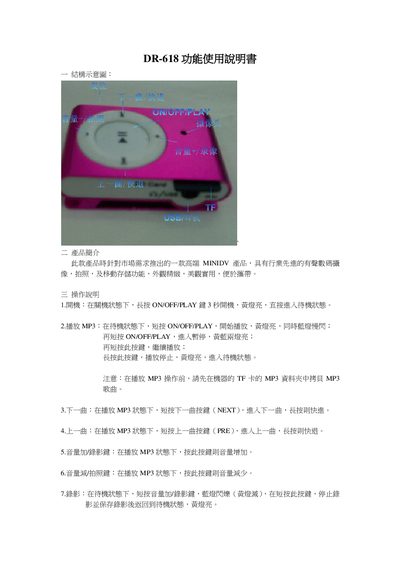
DR-618 Function Owners Manual
The DR-618 is a compact device that combines MP3 playback, video recording, and photo capture with removable storage. It is designed for easy use with a few dedicated buttons.
The manual details how to power on the unit, control media playback, record video, take pictures, charge the battery via USB, reset the device, and adjust the system time using a computer. This manual is written in Chinese.
Covers: Product Introduction · Operation Instructions · Storage · Reset · Time Adjustment · Charging
Latest DR-618 manuals
DR-618 Function Owners Manual
User Manual 4 pages · 226 KB · ZHThe DR-618 manual explains how to operate the device, including power on, MP3 playback, recording, photo capture, charging, reset, and time setting.
Which document do I need?
User Manual
Day-to-day operation, settings and troubleshooting. Start here if the product is already set up.
Questions answered in DR-618 manuals
How do I turn on the DR-618?
Long press the ON/OFF/PLAY button for 3 seconds; the yellow light turns on and the device enters standby.
How do I charge the DR-618?
Connect the device to a computer or power adapter with a standard USB cable; while charging the yellow light flashes slowly.