
Key facts
- Manuals
- 1
- Languages
- JA
- Last added
- 2012-03-12
Featured DHL manuals
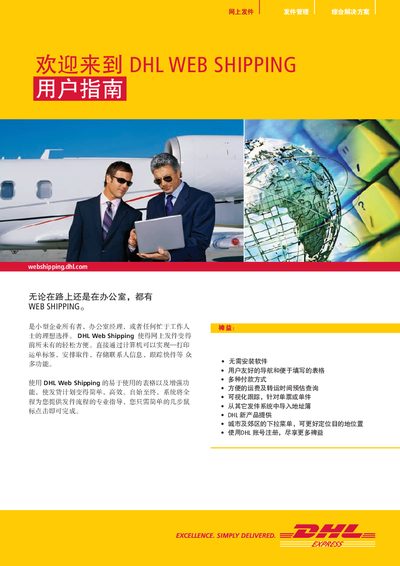
DHL Web Shipping User Manual
The manual guides users through the registration process, login steps, and how to fill out shipment details such as sender/receiver addresses, package weight, dimensions, and customs information. It also describes how to select packaging options and set default billing preferences.
Additional sections cover commodity information entry, payment options, and how to generate invoices for dutiable shipments. The guide includes tips for updating recipient data and using the system’s default settings to streamline future shipments. This manual is written in Japanese.
Covers: Registration · Login · Shipment Creation · Packaging and Weight Entry · Commodity Information · Billing Options
Latest DHL manuals
DHL Web Shipping User Manual
User Manual 15 pages · 3.2 MB · JAThis DHL Web Shipping user manual explains how to register, create shipments, and manage billing and customs information.
Which document do I need?
User Manual
Day-to-day operation, settings and troubleshooting. Start here if the product is already set up.
Questions answered in DHL manuals
How do I register for DHL Web Shipping?
Registration does not take much time and can be completed from the sign‑up page.
What information must be entered for each shipment?
You must fill in the sender and recipient addresses, package weight, dimensions, and any required customs details.