
Key facts
- Manuals
- 2
- Languages
- EN
- Last added
- 2012-06-06
Featured Creating manuals
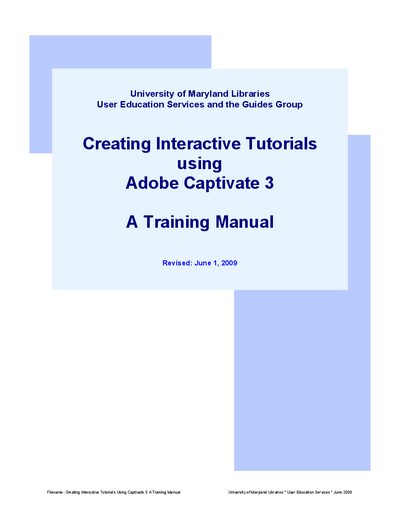
Adobe Captivate 3 Training Manual
This training manual, produced by the University of Maryland Libraries Guides Group, provides step‑by‑step instructions for using Adobe Captivate 3 to build interactive tutorials. It covers everything from initial setup and required equipment to best practices, recording, editing, and publishing.
The guide includes detailed sections on planning tutorials, audio introductions, design standards, navigation, and troubleshooting, as well as contact information for library support services.
Covers: Introducing Adobe Captivate · Important Things to Consider Before Getting Started · Best Practices Using Adobe Captivate · Getting Started · The Recording (Screen Capturing) Process · The Editing Process
Latest Creating manuals
Creating Linear Serial Dilution Methods on an Agilent 7696A WorkBench users guide
This user guide describes procedures for creating linear and serial dilutions for a four level calibration curve complete with internal standards. It can be used as a template for creating similar calibration curves with an Agilent 7696A WorkBench.
Adobe Captivate 3 Training Manual
User Manual 50 pages · 2.3 MB · ENA University of Maryland Libraries manual that teaches users how to create interactive tutorials with Adobe Captivate 3.
Which document do I need?
User Manual
Day-to-day operation, settings and troubleshooting. Start here if the product is already set up.
Questions answered in Creating manuals
What audio introduction should be used at the start of a Captivate tutorial?
Captivate tutorials need to begin with the audio introduction: "Welcome to the University of Maryland Libraries’ Guide to [insert name of guide]".