
Key facts
- Manuals
- 1
- Languages
- EN
- Last added
- 2012-03-20
Featured BT-02N manuals
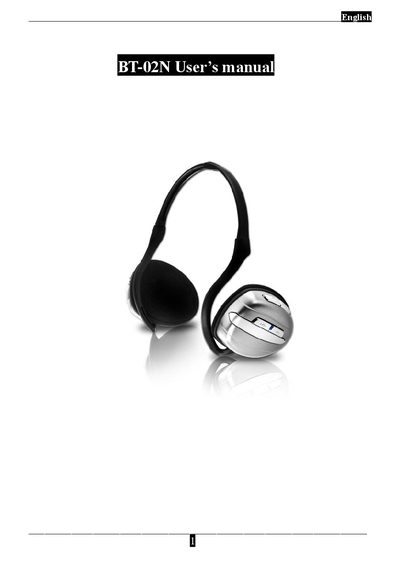
BT-02N Bluetooth Headset User Manual
This manual covers safety information, unpacking contents, and key functions of the BT-02N Bluetooth stereo headset. It explains how to charge the built‑in Li‑Polymer battery, turn the device on, and enter pairing mode.
Detailed instructions are given for connecting the headset to PCs, notebooks, and mobile phones using A2DP/AVRCP profiles, as well as how to control media playback and phone calls with the multi‑function button. Technical specifications such as range, battery life, speaker and microphone parameters are listed at the end of the document.
Covers: Safety Information · Overview · Getting Started · How to Connect Your Bluetooth Headset · Using Your Bluetooth Headset · Technical Specification
Latest BT-02N manuals
BT-02N Bluetooth Headset User Manual
User Manual 11 pages · 1.3 MB · ENThe BT-02N Bluetooth headset user manual provides setup, pairing, operation, and technical specifications.
Which document do I need?
User Manual
Day-to-day operation, settings and troubleshooting. Start here if the product is already set up.
Questions answered in BT-02N manuals
What is the procedure to pair the headset with a phone or PC?
Press and hold the multi‑function button for about 5 seconds until the Mode LED changes from red to blue, select "BT-02N" on the device list, and enter the default password "1234" if prompted.
What do the different LED colors indicate?
Blue LED means the headset is powered on; red LED shows the battery is charging; green LED indicates the battery is fully charged; flashing blue means the device is in pairing mode.