
Key facts
- Manuals
- 3
- Languages
- EN
- Last added
- 2026-09-29
Featured BOAT manuals
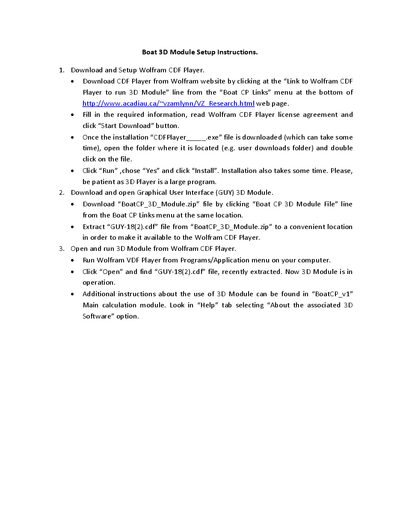
Boat GUY-18(2) 3D Module User Manual
This manual explains how to set up the Wolfram CDF Player, download the Boat 3D Module, and run the module. It guides you through downloading the CDF Player from Wolfram, installing it, and then extracting the GUY-18(2).cdf file from the provided zip archive.
After installation, you can open the CDF Player, load the GUY-18(2).cdf file, and operate the 3D Module. Additional usage notes are available in the BoatCP_v1 calculation module's Help section.
Covers: Download and Setup Wolfram CDF Player · Download and Open Graphical User Interface (GUY) 3D Module · Open and Run 3D Module from Wolfram CDF Player · Additional Instructions
Latest BOAT manuals
Boat GUY-18(2) 3D Module User Manual
User Manual 1 pages · 192 KB · ENInstructions for downloading, installing, and using the Boat GUY-18(2) 3D Module with Wolfram CDF Player.
BOAT REMOTE TROUBLESHOOTING GUIDE
Boat Trailers Inc. 2012 Edition TABLE OF CONTENTS
EZ LOADER Boat Trailers, Inc. 2012 Edition, this document is the parts manual for EZ LOADER Boat Trailers, Inc. 2012 Edition
Which document do I need?
User Manual
Day-to-day operation, settings and troubleshooting. Start here if the product is already set up.
Questions answered in BOAT manuals
How do I install the Wolfram CDF Player?
Download the CDF Player from the Wolfram website via the link in the Boat CP Links menu, run the installer, and follow the on‑screen prompts.
Where can I download the Boat 3D Module?
Download the BoatCP_3D_Module.zip file from the Boat CP Links menu on the Acadia University page and extract the GUY-18(2).cdf file.