
Key facts
- Manuals
- 1
- Languages
- ZH
- Last added
- 2012-03-12
Featured Blue-Links manuals
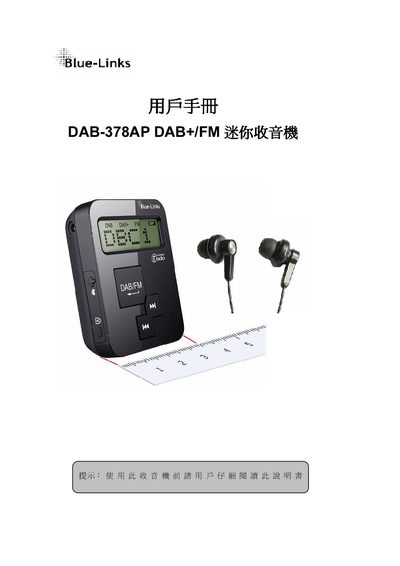
Blue-Links DAB-378AP DAB+/FM Mini Radio User Manual
This manual describes the contents of the DAB-378AP package, the radio's controls, and how to power the device on and off. It explains DAB+ and FM operation, including automatic and manual station search, saving favorite stations, and adjusting time, contrast, and volume.
Additional sections cover resetting all stored station data, safety guidelines for use and handling, and the technical specifications of the radio such as battery life, frequency ranges, dimensions, and weight. This manual is written in Chinese.
Covers: Package Contents · Control Buttons Overview · Power On/Off Procedure · DAB+ Operation · FM Operation · Saving Favorite Stations
Latest Blue-Links manuals
Blue-Links DAB-378AP DAB+/FM Mini Radio User Manual
User Manual 10 pages · 385 KB · ZHThe Blue-Links DAB-378AP DAB+/FM mini radio user manual provides setup, operation, and safety instructions.
Which document do I need?
User Manual
Day-to-day operation, settings and troubleshooting. Start here if the product is already set up.
Questions answered in Blue-Links manuals
How do I turn the DAB-378AP radio on and off?
Press and hold the power key until the LCD shows “DAB” to turn on, and press and hold the power key until the LCD shows “OFF” to turn off.
How can I save a favorite DAB+ station?
In DAB+ mode, press the M key for the desired station, then hold the DAB/FM key for 2 seconds; the LCD will ask “SAVE TO F?”, select a slot (F0‑F4) and confirm with the DAB/FM key.