
Key facts
- Manuals
- 1
- Languages
- ZH
- Last added
- 2026-09-30
Featured Axygen manuals
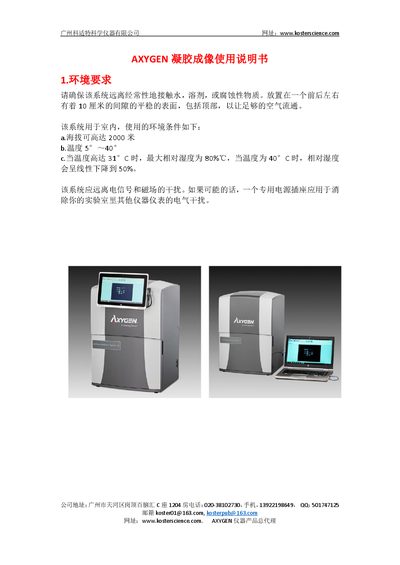
AXYGEN GD-1000/GDBL-1000 Gel Imaging System Installation Guide
This guide explains the environmental requirements and step‑by‑step installation of the AXYGEN GD‑1000/GDBL‑1000 gel imaging system, including hardware placement, USB connection, and software setup on a Windows PC. It also covers system calibration, power considerations, and safety precautions.
The document details the imaging software functions such as image capture, exposure control, annotation tools, and email settings, and lists optional accessories like white‑light trays and filter modules that can be added to the system. This manual is written in Chinese.
Covers: Environmental Requirements · Installation Procedure · Image Capture · Software Features Overview · Email Settings · Optional Accessories
Latest Axygen manuals
AXYGEN GD-1000/GDBL-1000 Gel Imaging System Installation Guide
Installation Guide 10 pages · 722 KB · ZHThe AXYGEN GD-1000/GDBL-1000 gel imaging system installation guide provides setup steps, software installation, image capture, and optional accessories.
Which document do I need?
Installation Guide
Mounting, wiring and first power-up. Read it before the hardware goes in.
Questions answered in Axygen manuals
How do I enable the optional white‑light source?
When a white‑light tray is installed, the option to enable trans‑white light appears in the Darkroom tab of the software.
From: AXYGEN GD-1000/GDBL-1000 Gel Imaging System Installation Guide