
Key facts
- Manuals
- 1
- Languages
- ZH
- Last added
- 2012-03-16
Featured ARRAY manuals
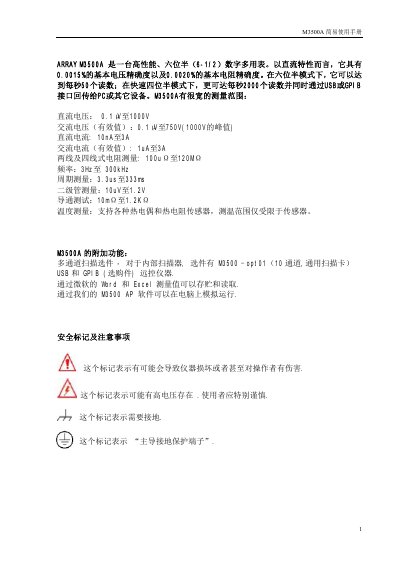
Keysight M3500A Digital Multimeter User Manual
This manual describes the features and operation of the Keysight M3500A digital multimeter, a six‑digit, high‑precision instrument for voltage, current, resistance, frequency, continuity, and temperature measurements. It explains the front‑panel functions, menu navigation, and how to connect the USB or GPIB interface to a PC.
The document also covers setup procedures, range selection, terminal connections, and calibration steps. Detailed tables list the measurement ranges, accuracy, and limits for each function, as well as special settings such as temperature‑compensated measurements and trigger modes. This manual is written in Chinese.
Covers: Measurement Functions · Range Selection · Terminals and Connections · Setup and Menu Navigation · Configuration and Trigger Settings · Calibration and Temperature Measurement
Latest ARRAY manuals
Keysight M3500A Digital Multimeter User Manual
User Manual 16 pages · 757 KB · ZHThe Keysight M3500A digital multimeter user manual provides operating instructions, measurement ranges, and configuration details.
Which document do I need?
User Manual
Day-to-day operation, settings and troubleshooting. Start here if the product is already set up.
Questions answered in ARRAY manuals
How can I switch between measurement functions on the front panel?
Use the SHIFT key together with the function button (e.g., SHIFT + DCV for DC voltage) to select the desired measurement mode.