
Key facts
- Manuals
- 1
- Languages
- EN
- Last added
- 2012-03-20
Featured ALTUSHEN manuals
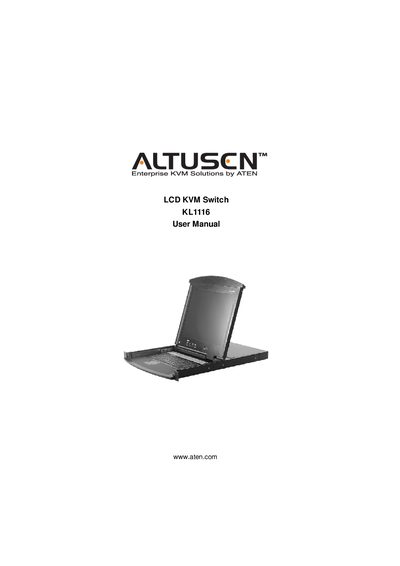
ATEN KL1116 LCD KVM Switch User Manual
This manual covers all aspects of the ATEN KL1116 LCD KVM Switch, including hardware setup, basic operation, on‑screen display (OSD) navigation, keyboard port functions, and firmware upgrades. It also contains safety instructions, technical support information, and an appendix with troubleshooting tips.
The document is organized into chapters that guide users through initial installation, rack mounting options, port selection, hot‑key usage, and firmware upgrade procedures, ensuring reliable operation in commercial environments.
Covers: Introduction · Hardware Setup · Basic Operation · OSD Operation · Keyboard Port Operation · Firmware Upgrade Utility
Latest ALTUSHEN manuals
ATEN KL1116 LCD KVM Switch User Manual
User Manual 79 pages · 3.8 MB · ENThe ATEN KL1116 LCD KVM Switch User Manual provides installation, configuration, and operation instructions for the KL1116 model.
Which document do I need?
User Manual
Day-to-day operation, settings and troubleshooting. Start here if the product is already set up.
Questions answered in ALTUSHEN manuals
How do I register my KL1116 product?
Register the product at ATEN's online support center using the international or North America registration URLs provided in the manual.
What should I do if the KL1116 causes radio interference?
If interference occurs, the user must take adequate measures to correct it at their own expense, as described in the FCC information section.