
Key facts
- Manuals
- 1
- Languages
- ZH
- Last added
- 2012-01-04
Featured ADX2232转换器 manuals
ADX 2232 USB to RS-232 Converter User Manual
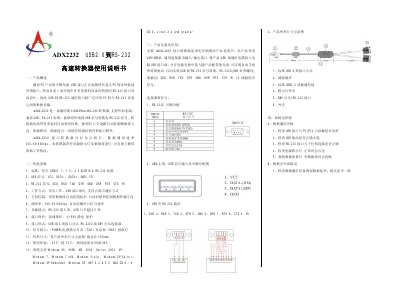
The ADX‑2232 is a universal USB‑to‑RS‑232 converter that requires no external power and supports USB V1.1/1.0/2.0 and EIA RS‑232 standards. It converts single‑ended USB signals to full‑signal RS‑232 with automatic direction control, making it suitable for a wide range of industrial equipment.
The manual describes the product’s technical specifications, installation procedure, connector pin‑outs, mechanical dimensions, supported operating systems, and troubleshooting tips for communication failures and data errors. This manual is written in Chinese.
Covers: Product Overview · Technical Specifications · Installation and Application · Mechanical Dimensions and Connection Diagram · Troubleshooting
Latest ADX2232转换器 manuals
ADX 2232 USB to RS-232 Converter User Manual
User Manual 1 pages · 86 KB · ZHThe ADX 2232 USB to RS-232 converter user manual provides an overview, specifications, installation steps, and troubleshooting for the device.
Which document do I need?
User Manual
Day-to-day operation, settings and troubleshooting. Start here if the product is already set up.
Questions answered in ADX2232转换器 manuals
What operating systems are supported by the ADX‑2232 converter?
It supports Windows 98/ME/2000/XP/7/Vista (including 64‑bit), Windows Server 2003, Windows XP Embedded, Windows CE, .NET 4.2 & 5.0, Mac OS 8/9, OS X, and Linux 2.4 and later.
How can I troubleshoot a data communication failure with the ADX‑2232?
Check that the USB connector is firmly seated, the USB driver is correctly installed, the RS‑232 connection is proper, the power LED is on, and the data‑flow LED flashes when data is present.