
Key facts
- Manuals
- 1
- Languages
- ZH
- Last added
- 2000-01-01
Featured 1937L manuals
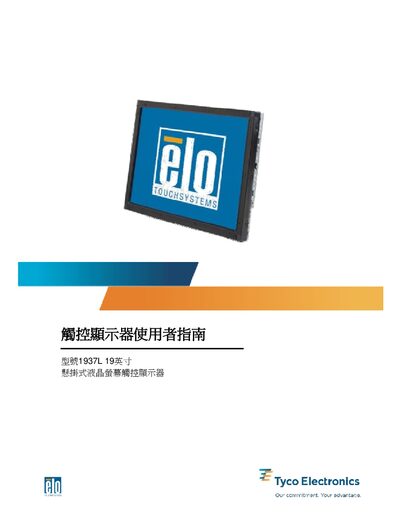
Elo 1937L 19‑inch Touch Display User Guide
This guide introduces the Elo 1937L 19‑inch hanging LCD touch display, its features and safety precautions. It provides detailed steps for unpacking, connecting power, video and USB/serial cables, and installing the appropriate drivers for a range of Windows operating systems.
The manual also explains how to adjust on‑screen display settings, use the optional remote control, perform routine maintenance, and resolve common issues. Appendices contain the full specifications, regulatory information and warranty details. This manual is written in Chinese.
Covers: Introduction · Installation and Setup · Driver Installation · Operation · Troubleshooting · Specifications
Latest 1937L manuals
Elo 1937L 19‑inch Touch Display User Guide
User Manual 32 pages · 1018 KB · ZHUser guide for the Elo 1937L 19‑inch hanging touch display, covering installation, driver setup, operation and troubleshooting.
Which document do I need?
User Manual
Day-to-day operation, settings and troubleshooting. Start here if the product is already set up.
Questions answered in 1937L manuals
How do I install the driver for the Elo 1937L display?
Insert the Elo CD‑ROM into the computer’s CD drive, then run EloCd.exe from the Start → Run dialog and follow the on‑screen instructions.