
Key facts
- Manuals
- 1
- Languages
- EN
- Last added
- 2012-03-12
Featured - manuals
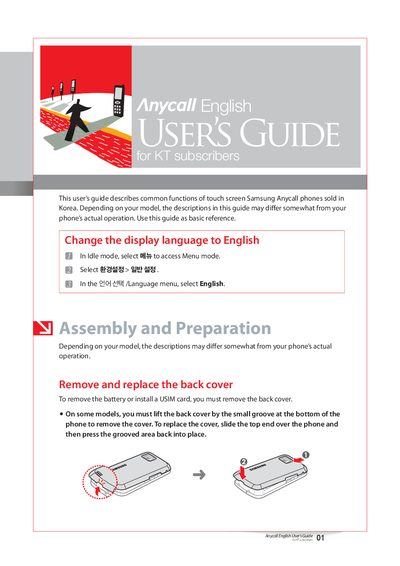
Samsung Anycall User Guide for KT Subscribers
The guide provides step‑by‑step instructions for common tasks on Samsung Anycall phones, such as changing the display language, removing the back cover, installing a USIM card, charging the battery, and attaching accessories. It also describes how to use the phone’s menus, widgets, and launchers, as well as how to enter text and adjust volume or ringtone settings.
Additional sections cover important usage information, safety warnings, and service details, including contact numbers for Samsung Electronics and KT support. The document is intended as a basic reference for KT subscribers using Anycall phones in Korea.
Covers: Changing the display language · Removing and replacing the back cover · Installing or removing a USIM card · Charging the battery · Attaching accessories · Inserting a memory card
Latest - manuals
Samsung Anycall User Guide for KT Subscribers
User Manual 31 pages · 2.1 MB · ENThis Samsung Anycall user guide explains basic functions, battery charging, USIM installation, and accessory use for KT subscribers.
Which document do I need?
User Manual
Day-to-day operation, settings and troubleshooting. Start here if the product is already set up.
Questions answered in - manuals
What indicates that the battery is fully charged?
The charger’s indicator light turns green when the battery is fully charged.