
Key facts
- Manuals
- 1
- Languages
- EN
- Last added
- 2023-01-07
Featured GDi- Technology manuals
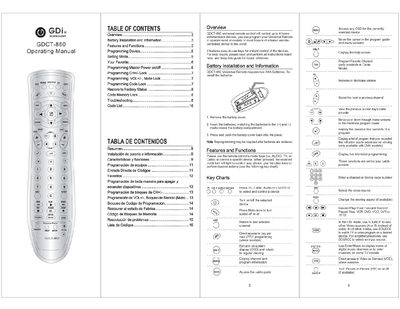
GDi- Technology GDCT-860 Universal Remote User Manual
The GDCT-860 universal remote can control up to four home entertainment devices such as TV, cable, audio or DVD/VCR units. It offers easy‑to‑use keys, master power on/off, channel and volume lock features, and a code‑search function for devices not listed in the code list.
The manual covers battery installation (two AAA cells), detailed programming steps for device codes, master power, channel lock, volume/mute lock, code lock, restoring factory defaults, and troubleshooting tips for common issues like unresponsive keys or incorrect codes.
Covers: Battery Installation and Information · Features and Functions · Programming Device · Programming Master Power on/off · Programming CH+/- Lock · Programming VOL+/- , Mute Lock
Latest GDi- Technology manuals
GDi- Technology GDCT-860 Universal Remote User Manual
User Manual 9 pages · 2.4 MB · ENThe GDCT-860 universal remote manual provides battery installation, programming, lock functions and troubleshooting instructions.
Which document do I need?
User Manual
Day-to-day operation, settings and troubleshooting. Start here if the product is already set up.
Questions answered in GDi- Technology manuals
What should I do if the remote does not control my device?
Make sure the remote is aimed at the device within 15 feet, try all listed codes for the device brand, and verify the device uses an infrared remote control.