
Key facts
- Manuals
- 1
- Languages
- EN
- Last added
- 2026-10-01
Featured Cartop manuals
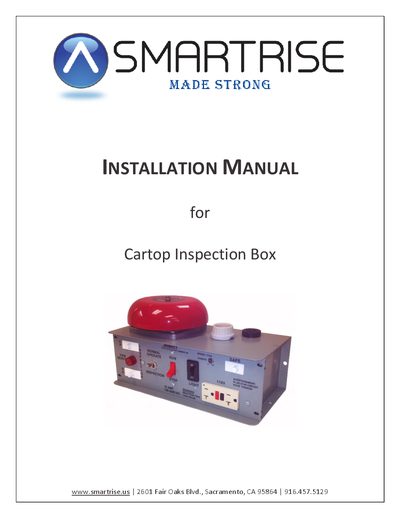
Cartop Inspection Box Installation Manual
The Cartop Inspection Box can be installed using either the Smart‑Connect method, which employs a CAT5 cable, or a discrete wiring method with individual wires. Both approaches connect the box to the Cartop SRU controller and are illustrated on the relevant drawing sheets.
To replace an existing box, turn off the main power, label and remove all wiring from the DIN rail, detach any cable plugs, remove the old box, install the new one, reconnect the CAT5 cable (if using Smart‑Connect) and the previously removed wires, then restore power.
Covers: Installation Overview · Smart‑Connect Wiring · Discrete Wiring · Replacing Inspection Box
Latest Cartop manuals
Cartop Inspection Box Installation Manual
Installation Guide 3 pages · 683 KB · ENInstallation manual for the Cartop Inspection Box, covering Smart‑Connect and discrete wiring methods.
Which document do I need?
Installation Guide
Mounting, wiring and first power-up. Read it before the hardware goes in.
Questions answered in Cartop manuals
How do I connect the Cartop Inspection Box to the SRU controller?
You can use Smart‑Connect with a CAT5 cable or use discrete wiring with individual wires.
What is the first step before replacing the inspection box?
Turn off the main power before starting the replacement.