
Key facts
- Manuals
- 1
- Languages
- EN
- Last added
- 2026-10-01
Featured EUDICO manuals
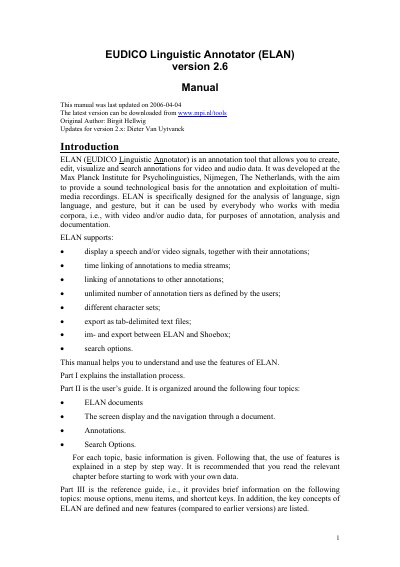
EUDICO ELAN Version 2.6 User Manual
ELAN (EUDICO Linguistic Annotator) is a software tool for creating, editing, visualising and searching annotations on video and audio recordings. Developed at the Max Planck Institute for Psycholinguistics, it is aimed at language, sign‑language and gesture analysis but can be used for any multimedia corpus.
The manual is divided into three parts: Part I covers installation and language selection, Part II is the user’s guide describing documents, screen navigation, annotation workflow and search options, and Part III provides a reference guide with detailed menu, mouse and shortcut information as well as key concepts of ELAN.
Covers: Installing ELAN · Selecting a user interface language · ELAN documents · Screen display and navigation · Annotations · Search Options
Latest EUDICO manuals
EUDICO ELAN Version 2.6 User Manual
User Manual 133 pages · 6.6 MB · ENThe EUDICO ELAN Version 2.6 User Manual explains installation, interface navigation, annotation creation, and search functions for the ELAN multimedia…
Which document do I need?
User Manual
Day-to-day operation, settings and troubleshooting. Start here if the product is already set up.
Questions answered in EUDICO manuals
How can I change the language of the ELAN user interface?
Open the Options menu, choose Language, and select one of the available language modules.