
Key facts
- Manuals
- 1
- Languages
- ZH
- Last added
- 2026-09-30
Featured Jetsum manuals
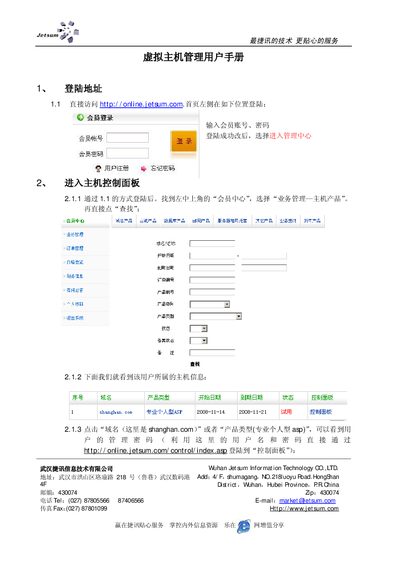
Jetsum Professional Personal ASP Virtual Host Management User Manual
The manual introduces Jetsum's virtual host management service and guides users through the steps needed to access and control their hosting accounts. It starts with the login address and explains how to reach the management center.
Subsequent sections describe the control panel functions, including product information, website settings, IP restrictions, MIME types, script permissions, error page customization, ASP script encryption, FTP details, and full MSSQL database management such as password changes, backups, restores and SQL import/export. This manual is written in Chinese.
Covers: Login Procedure · Control Panel Access · Product Management · Website Management · IP Restriction Settings · MIME and Script Permissions
Latest Jetsum manuals
Jetsum Professional Personal ASP Virtual Host Management User Manual
User Manual 8 pages · 230 KB · ZHThis user manual explains how to log in and manage the virtual hosting services provided by Jetsum, covering control panel, website, database, FTP and MSSQL…
Which document do I need?
User Manual
Day-to-day operation, settings and troubleshooting. Start here if the product is already set up.
Questions answered in Jetsum manuals
How do I log in to the virtual host management control panel?
Open http://online.jetsum.com, enter your member account and password, then select “Enter Management Center” to access the control panel.
From: Jetsum Professional Personal ASP Virtual Host Management User Manual
How can I change the MSSQL database password?
Use the “Modify MSSQL database password” function in the control panel; after changing, update any connection files to use the new password.
From: Jetsum Professional Personal ASP Virtual Host Management User Manual