
Key facts
- Manuals
- 1
- Languages
- ZH
- Last added
- 2026-09-30
Featured SJT manuals
SJT PROG Programmer User Manual
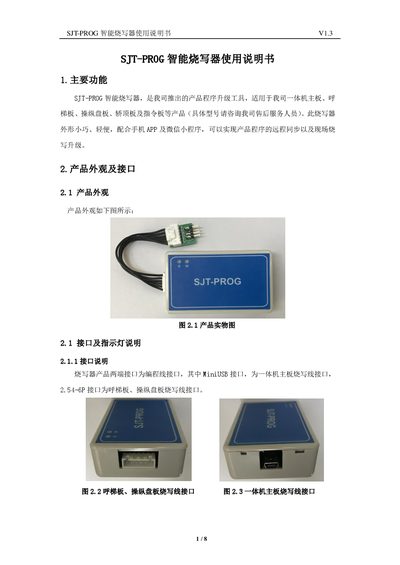
The SJT‑PROG is a compact, portable programming device designed for offline flashing of firmware on integrated machine mainboards, ladder boards, control panels, roof panels and command boards. It connects via MiniUSB for mainboards and a 2.54‑6P connector for other boards, and provides status indication through dual B and W LEDs.
Operation is performed through the Android "烧写助手" app and the "蓝光编程器" WeChat mini‑program. Users sync program files via a Wi‑Fi hotspot (SSID PROG, password 888888888), then flash the target board using Bluetooth or direct USB connection. After flashing, the program must be activated through the app to clear error codes and restore normal operation. This manual is written in Chinese.
Covers: Main Functions · Product Appearance and Interfaces · Operation Method · File Synchronization · Program Flashing · Program Activation
Latest SJT manuals
SJT PROG Programmer User Manual
User Manual 8 pages · 746 KB · ZHThe SJT PROG Programmer User Manual explains its functions, interfaces, and step‑by‑step procedures for program synchronization and flashing.
Which document do I need?
User Manual
Day-to-day operation, settings and troubleshooting. Start here if the product is already set up.
Questions answered in SJT manuals
What indicates a successful Bluetooth connection during flashing?
When the B‑lamp turns green solid and the buzzer sounds once, the Bluetooth connection is successful; if the B‑lamp stays red solid, the connection has failed.
How is the program activated after a successful flash?
After flashing, remove the S1 and S3 jumpers, power the mainboard, then use the "激活" button in the mini‑program; a successful activation clears the E98/E99 error codes.