
Key facts
- Manuals
- 1
- Languages
- ZH
- Last added
- 2026-09-29
Featured Ying Lei Ke manuals
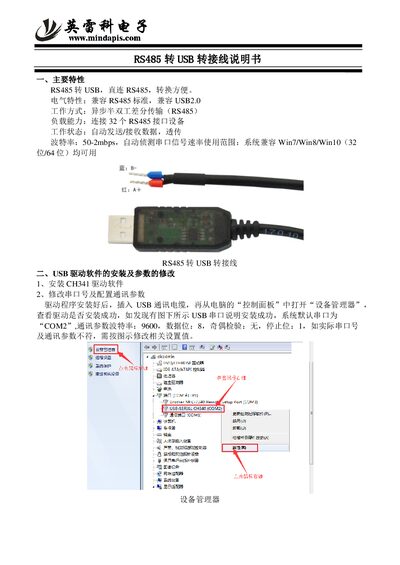
Ying Lei Ke EIS-C RS485 to USB Cable User Manual
The EIS‑C RS485‑to‑USB cable provides a direct, plug‑and‑play conversion between RS485 and USB interfaces. It complies with the RS485 standard and USB 2.0, supports asynchronous half‑duplex differential transmission, and can connect up to 32 RS485 devices.
The manual explains how to install the CH341 USB driver, verify the installation in Windows Device Manager, and adjust the COM port number and communication parameters such as baud rate, data bits, parity and stop bits. This manual is written in Chinese.
Covers: Main Features · Electrical Characteristics · Load Capacity · Baud Rate and Auto‑Detection · USB Driver Installation · COM Port and Communication Parameter Configuration
Latest Ying Lei Ke manuals
Ying Lei Ke EIS-C RS485 to USB Cable User Manual
User Manual 2 pages · 191 KB · ZHUser manual for the Ying Lei Ke EIS-C RS485‑to‑USB cable, covering features, electrical specs, driver installation and configuration.
Which document do I need?
User Manual
Day-to-day operation, settings and troubleshooting. Start here if the product is already set up.
Questions answered in Ying Lei Ke manuals
How do I install the driver for the RS485‑to‑USB cable?
Install the CH341 driver software, then connect the cable and verify the driver is installed successfully in the Windows Device Manager.
How can I change the COM port number and communication parameters?
Open Device Manager, locate the USB serial port (default COM2), and modify the baud rate, data bits, parity and stop bits as needed.