
Key facts
- Manuals
- 3
- Languages
- ZH
- Last added
- 2026-09-30
Featured Shuangjie manuals
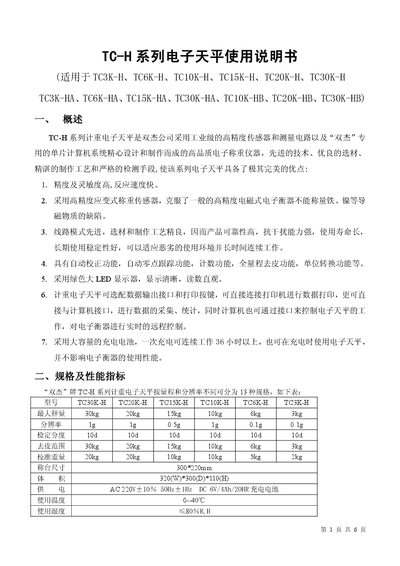
Shuangjie TC-H Series Electronic Balance User Manual
The TC‑H series electronic balances are high‑precision weighing instruments designed by Shuangjie. They feature industrial‑grade strain‑type sensors, automatic zero‑track, tare, counting, unit conversion and optional data‑output interfaces.
The manual provides detailed specifications, preparation steps, operating procedures, fault diagnostics, parameter settings, RS‑232 communication protocol, packing list and warranty information for all models in the series (TC3K‑H, TC6K‑H, TC10K‑H, TC15K‑H, TC20K‑H, TC30K‑H and their HA/HB variants). This manual is written in Chinese.
Covers: Overview · Specifications · Preparation and Precautions · Operation Instructions · Display and Fault Diagnosis · Parameter Settings
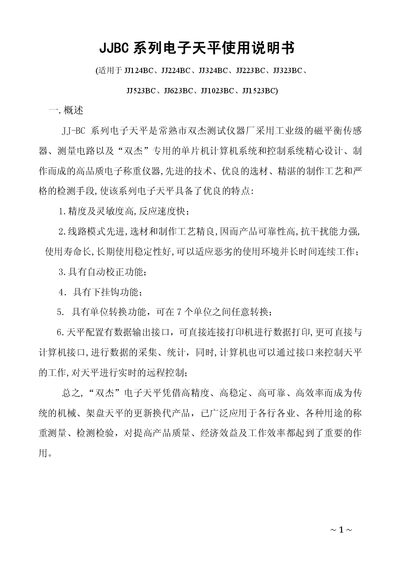
Shuangjie JJ-BC Series Electronic Balance User Manual
The JJ-BC series electronic balances, manufactured by Shuangjie, use industrial‑grade magnetic balance sensors, a dedicated microcontroller system and RS232 communication for high‑precision weighing. The manual describes the balance’s features, specifications, installation steps and safe usage.
Key functions include automatic calibration, tare, unit conversion among seven units, data output via RS232 for printer or computer connection, and a counting mode for batch weighing. The document also provides wiring details, parameter settings, common fault diagnostics and warranty information. This manual is written in Chinese.
Covers: Overview · Model specifications and technical parameters · External structure and installation · Operation method · Data output and communication · Parameter settings
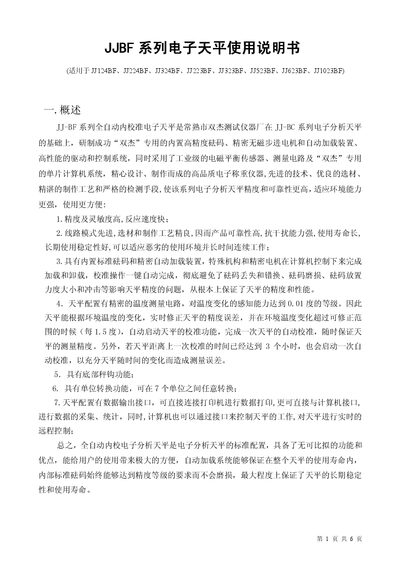
Shuangjie JJ-BF Series Electronic Balance User Manual
The JJ‑BF series electronic balances are fully automatic, internal‑calibration laboratory scales produced by Shuangjie. They feature high precision, temperature compensation, multiple unit conversion, data output via RS‑232 and a built‑in loading mechanism for standard weights.
The manual provides detailed instructions for installation, calibration, operation, data communication, settings, safety precautions, fault diagnosis and warranty information for all models in the series (JJ124BF, JJ224BF, JJ324BF, JJ223BF, JJ323BF, JJ523BF, JJ623BF, JJ1023BF). This manual is written in Chinese.
Covers: Overview · Model specifications and technical parameters · External structure and installation · Operation method · Data output function · Settings and parameters
Latest Shuangjie manuals
Shuangjie TC-H Series Electronic Balance User Manual
User Manual 6 pages · 272 KB · ZHUser manual for Shuangjie TC-H series electronic balances covering specifications, operation, calibration, communication and warranty.
Shuangjie JJ-BC Series Electronic Balance User Manual
User Manual 8 pages · 381 KB · ZHUser manual for Shuangjie JJ-BC series electronic balances covering operation, calibration, data output and troubleshooting.
Shuangjie JJ-BF Series Electronic Balance User Manual
User Manual 6 pages · 383 KB · ZHUser manual for the Shuangjie JJ‑BF series electronic balances covering setup, operation, specifications and troubleshooting.
Which document do I need?
User Manual
Day-to-day operation, settings and troubleshooting. Start here if the product is already set up.
Questions answered in Shuangjie manuals
How is the balance calibrated?
After the balance has been powered on and warmed up for at least 15 minutes, press the “CAL” key; the device enters automatic calibration mode and you place the indicated standard weight on the pan.
Can the balance be connected to a computer?
Yes, the balance has a standard RS‑232 data‑output interface that can be linked directly to a computer or printer for data acquisition and control.
How do I tare the balance?
Press the “TARE” key; the display will return to zero, allowing you to weigh only the net weight of the sample.
How is the balance calibrated?
After the balance has warmed up for at least one hour, press the “CAL” key, place the supplied calibration weight on the pan, and the display will show the weight value, completing the automatic calibration.
How do I calibrate the balance?
Press and hold the CAL key; when the display shows “CAL INT”, release the key to start automatic internal calibration.