
Key facts
- Manuals
- 1
- Languages
- EN
- Last added
- 2026-09-29
Featured Luca’s Visual FX manuals
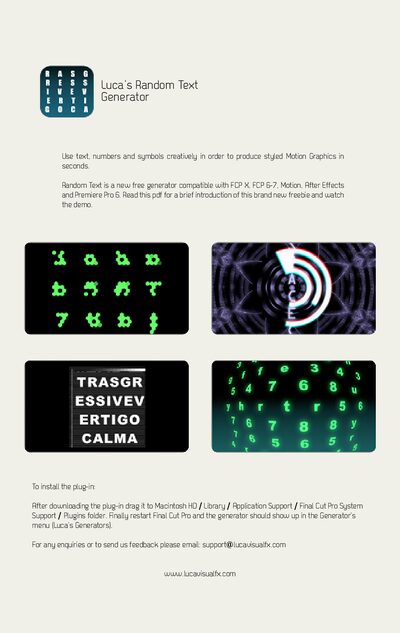
Luca’s Visual FX Random Text Generator Installation Guide
The Random Text Generator is a free plug‑in that lets you create styled motion graphics using text, numbers, and symbols in seconds. It works with Final Cut Pro X, Final Cut Pro 6‑7, Motion, After Effects and Premiere Pro 6.
To install, download the plug‑in, drag it to the Macintosh HD/Library/Application Support/Final Cut Pro System Support/Plugins folder, then restart Final Cut Pro. The generator will appear in the Generator menu. For support or feedback, email [email protected] or visit www.lucavisualfx.com.
Covers: Introduction · Compatibility · Installation · Support
Latest Luca’s Visual FX manuals
Luca’s Visual FX Random Text Generator Installation Guide
Installation Guide 1 pages · 285 KB · ENInstallation guide for Luca’s Visual FX Random Text Generator plug‑in for Final Cut Pro, Motion, After Effects, and Premiere Pro.
Which document do I need?
Installation Guide
Mounting, wiring and first power-up. Read it before the hardware goes in.
Questions answered in Luca’s Visual FX manuals
How do I install the Random Text Generator plug‑in?
Download the plug‑in, drag it to the Plugins folder under /Library/Application Support/Final Cut Pro System Support, then restart Final Cut Pro.
From: Luca’s Visual FX Random Text Generator Installation Guide
How can I get support for the plug‑in?
Email [email protected] or visit the Luca’s Visual FX website.
From: Luca’s Visual FX Random Text Generator Installation Guide