
Key facts
- Manuals
- 1
- Languages
- ZH
- Last added
- 2026-09-29
Featured 顶码便利 manuals
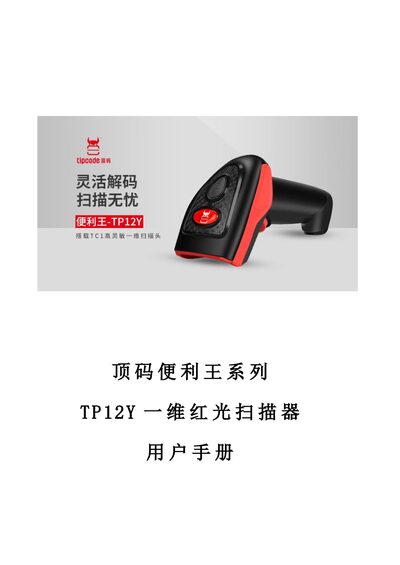
顶码便利 TP12Y Barcode Scanner User Manual
This manual provides step‑by‑step instructions for configuring the TP12Y 1D red‑laser barcode scanner. It covers parameter settings, factory reset, interface selection, scan mode configuration, and detailed code‑type options.
The document also includes information on keyboard, USB and RS‑232 interfaces, global decode parameters, and an appendix with test barcodes and an ASCII table for troubleshooting. This manual is written in Chinese.
Covers: Parameter Settings · Factory Reset and Information Query · Interface Selection · Scan Mode Settings · Keyboard Interface · USB Interface
Latest 顶码便利 manuals
顶码便利 TP12Y Barcode Scanner User Manual
User Manual 78 pages · 1.4 MB · ZHUser manual for the TP12Y 1D red‑laser barcode scanner covering setup, interfaces, scan modes and configuration options.
Which document do I need?
User Manual
Day-to-day operation, settings and troubleshooting. Start here if the product is already set up.
Questions answered in 顶码便利 manuals
How do I reset the TP12Y scanner to factory settings?
Use the "恢复出厂设置" (Factory Reset) chapter to restore default parameters.
How can I change the USB keyboard language on the scanner?
In the USB interface section, set the "USB键盘语言" option to the desired language.