
Key facts
- Manuals
- 1
- Languages
- EN
- Last added
- 2026-09-29
Featured LaserGRBL manuals
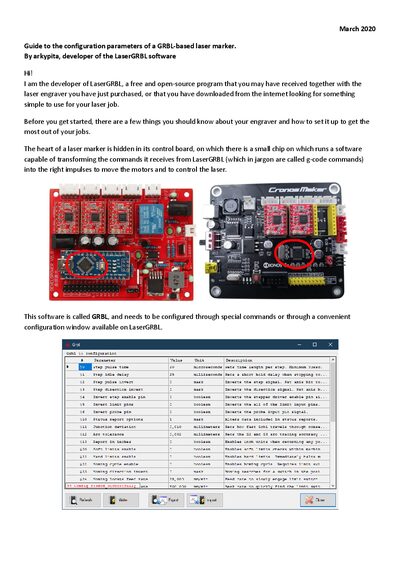
LaserGRBL GRBL Configuration Guide for Laser Markers
This guide walks you through connecting a GRBL‑based laser marker to a computer, launching LaserGRBL, and accessing the GRBL configuration window. It explains the required steps to ensure the machine is in the Idle state, how to unlock it from an alarm, and what to do if the connection fails.
The document then details the most important GRBL parameters for laser operation, such as axis direction ($3), diagnostic output ($10), work‑area limits ($20, $130‑$132), laser mode ($32), steps per millimeter ($100‑$102), maximum speed ($110‑$112), and acceleration ($120‑$122). Recommendations for typical values (e.g., $30 = 255, max speed ≈ 10 000 mm/min, acceleration ≈ 4000 mm/s²) are provided to help achieve reliable and precise engraving.
Covers: Connecting the Laser Marker · GRBL Configuration Window · Axis Direction ($3) · Diagnostic Information ($10) · Work‑Area Limits and Soft Limits ($20, $130‑$132) · Homing and Limit Switches ($21‑$27)
Latest LaserGRBL manuals
LaserGRBL GRBL Configuration Guide for Laser Markers
User Manual 5 pages · 403 KB · ENA guide that explains how to configure GRBL parameters for a GRBL‑based laser marker using the LaserGRBL software.
Which document do I need?
User Manual
Day-to-day operation, settings and troubleshooting. Start here if the product is already set up.