
Key facts
- Manuals
- 1
- Languages
- ZH
- Last added
- 2026-09-29
Featured DDSJ manuals
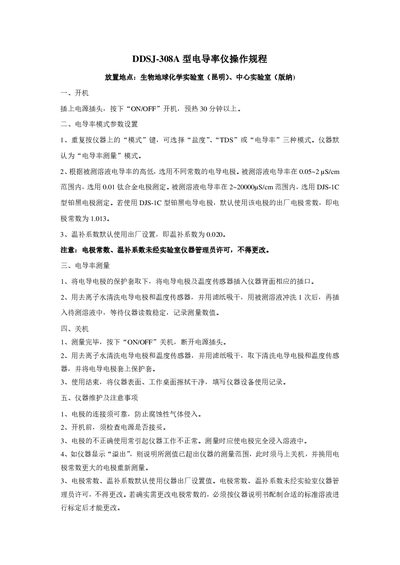
DDSJ 308A Conductivity Meter User Manual
The manual explains how to power on the DDSJ‑308A conductivity meter by plugging in the power cord, pressing the ON/OFF button and allowing a pre‑heat of at least 30 minutes. It details mode selection (Salinity, TDS, Conductivity) and the default Conductivity mode, as well as the required electrode constants and temperature compensation settings.
Procedures for measuring conductivity, shutting down the instrument, and routine maintenance are provided. Users are instructed on electrode handling, cleaning, and precautions such as avoiding corrosion and ensuring the electrode is fully immersed. The document also describes how to respond to an “overflow” indication by changing to an electrode with a larger constant. This manual is written in Chinese.
Covers: Power On · Conductivity Mode Parameter Settings · Conductivity Measurement · Shutdown · Instrument Maintenance and Precautions
Latest DDSJ manuals
DDSJ 308A Conductivity Meter User Manual
User Manual 1 pages · 75 KB · ZHOperating instructions for the DDSJ‑308A conductivity meter, covering power‑on, mode settings, measurement, shutdown and maintenance.
Which document do I need?
User Manual
Day-to-day operation, settings and troubleshooting. Start here if the product is already set up.
Questions answered in DDSJ manuals
How do I turn on the DDSJ‑308A conductivity meter?
Plug in the power cord, press the ON/OFF button, and allow the instrument to pre‑heat for at least 30 minutes.
What should I do if the instrument displays “overflow”?
The reading is out of range; shut down the instrument immediately and replace the electrode with one that has a larger electrode constant.