
Key facts
- Manuals
- 1
- Languages
- ZH
- Last added
- 2026-09-29
Featured RippleOS manuals
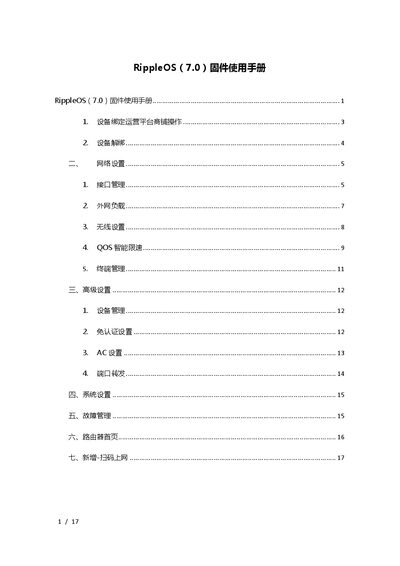
RippleOS 7.0 Router Firmware User Manual
This manual guides users through initial router login, device binding to the cloud platform, and unbinding procedures. It also covers WAN and LAN interface configuration, external load balancing, and wireless settings including SSID, password, and 5 GHz support.
Further sections describe QoS smart limiting, advanced device management, system operations such as reboot, upgrade and reset, fault management with status monitoring, and a QR‑code based Wi‑Fi login method. This manual is written in Chinese.
Covers: Device Binding · Device Unbinding · Network Settings · Interface Management · External Load · Wireless Settings
Latest RippleOS manuals
RippleOS 7.0 Router Firmware User Manual
User Manual 17 pages · 1.1 MB · ZHThe RippleOS 7.0 firmware user manual explains device binding, network configuration, advanced settings, system settings, troubleshooting, and QR‑code login.
Which document do I need?
User Manual
Day-to-day operation, settings and troubleshooting. Start here if the product is already set up.
Questions answered in RippleOS manuals
What is the default login address for the router?
The default login address is 192.168.10.1.
How can I reset the router to factory settings?
Press and hold the reset button for about 10 seconds until the lights flash, then the router will automatically restart.