
Key facts
- Manuals
- 1
- Languages
- EN
- Last added
- 2026-09-28
Featured Tradesmen manuals
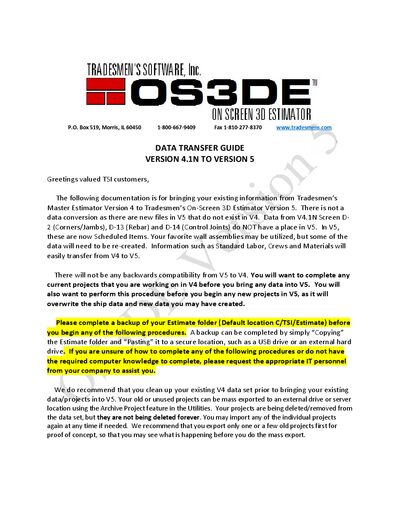
Tradesmen Master Estimator Version 4.1N to On‑Screen 3D Estimator Version 5 Data Transfer Guide
This guide explains how to transfer project data from Tradesmen’s Master Estimator Version 4.1N to the On‑Screen 3D Estimator Version 5. It covers backup, data clean‑up, export, and file copying procedures to ensure a smooth migration.
The process includes creating a backup of the Estimate folder, archiving old projects, exporting the required .TPS files, and copying them into the V5 data location. Follow each step carefully to avoid overwriting existing V5 data and to retain important project information.
Covers: Data Transfer Overview · Version 4 Project Data Clean Up · Copying Projects/Data from Version 4 to Version 5 · Backup and Export Procedures · File Copy Instructions
Latest Tradesmen manuals
Tradesmen Master Estimator Version 4.1N to On‑Screen 3D Estimator Version 5 Data Transfer Guide
User Manual 4 pages · 469 KB · ENStep‑by‑step guide for moving data from Tradesmen Master Estimator V4.1N to the On‑Screen 3D Estimator V5.
Which document do I need?
User Manual
Day-to-day operation, settings and troubleshooting. Start here if the product is already set up.
Questions answered in Tradesmen manuals
How should I back up my Estimate folder before transferring?
Copy the Estimate folder and paste it to a secure location such as a USB drive or external hard drive.
From: Tradesmen Master Estimator Version 4.1N to On‑Screen 3D Estimator Version 5 Data Transfer Guide
How can I remove old projects before migrating to Version 5?
Use the Archive Projects feature to export the projects and select the option to delete them after a successful export.
From: Tradesmen Master Estimator Version 4.1N to On‑Screen 3D Estimator Version 5 Data Transfer Guide