
Key facts
- Manuals
- 1
- Languages
- ZH
- Last added
- 2026-09-28
Featured Annaixing manuals
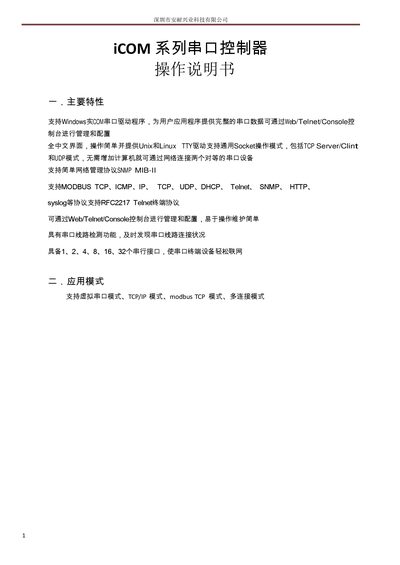
Annaixing iCOM Series Serial Port Controller User Manual
This user manual describes the main features of the iCOM series serial port controller, including support for Windows COM drivers, web/Telnet/Console management, and various network protocols such as TCP, UDP, MODBUS TCP, SNMP, and HTTP. It also details the hardware interfaces, offering 1, 2, 4, 8, 16, or 32 serial ports.
The guide provides step‑by‑step instructions for IP acquisition, web parameter configuration, serial port settings, application modes, device status monitoring, system management, and security settings. It includes information on virtual serial port mode, data socket mode, and how to perform firmware upgrades and factory resets. This manual is written in Chinese.
Covers: Main Features · Application Modes · IP Acquisition and Settings · Web Parameter Settings · Serial Port Parameter Settings · Device Status
Latest Annaixing manuals
Annaixing iCOM Series Serial Port Controller User Manual
User Manual 9 pages · 756 KB · ZHThe manual explains features, configuration, and management of the iCOM series serial port controller.
Which document do I need?
User Manual
Day-to-day operation, settings and troubleshooting. Start here if the product is already set up.
Questions answered in Annaixing manuals
What is the default username and password for web and Telnet access?
The default login is username "admin" and password "admin"; you can change them in the security settings.
From: Annaixing iCOM Series Serial Port Controller User Manual
How can I reset the controller to factory defaults?
Use the System Management menu and select “恢复出厂设置” to restore all parameters to factory defaults.
From: Annaixing iCOM Series Serial Port Controller User Manual