
Key facts
- Manuals
- 1
- Languages
- EN
- Last added
- 2026-09-28
Featured GelAnalyzer manuals
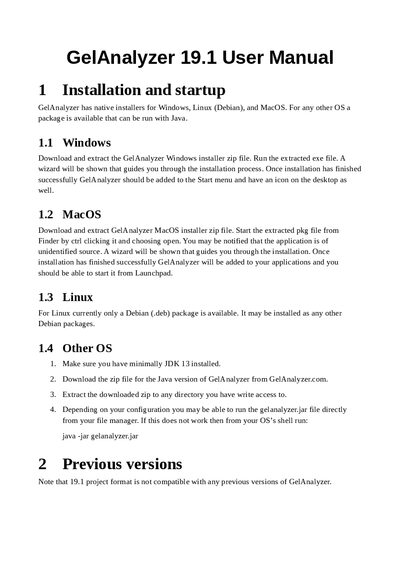
GelAnalyzer 19.1 User Manual
This manual provides installation instructions for Windows, Linux (Debian) and macOS, as well as a Java‑based fallback for other operating systems. It then introduces core concepts such as analyses, lanes, bands, and calibration methods.
Detailed sections cover creating new analyses, the graphical user interface, and the six program modes (Lanes, Bands, Background, Rf, Quantity, and MW calibration), guiding users through lane detection, band editing, background subtraction, and calibration curve fitting.
Covers: Installation and Startup · Concepts · Creating a New Analysis · Graphical User Interface · Program Modes · Lanes Mode
Latest GelAnalyzer manuals
GelAnalyzer 19.1 User Manual
User Manual 12 pages · 149 KB · ENThe GelAnalyzer 19.1 User Manual explains installation, concepts, and step‑by‑step usage for gel image analysis.
Which document do I need?
User Manual
Day-to-day operation, settings and troubleshooting. Start here if the product is already set up.
Questions answered in GelAnalyzer manuals
How do I install GelAnalyzer on Windows?
Download the GelAnalyzer Windows installer zip, extract it, run the exe file and follow the wizard prompts.
Which image file types can I load into GelAnalyzer?
GelAnalyzer accepts PNG, JPEG, and GIF image files.