
Key facts
- Manuals
- 1
- Languages
- ZH
- Last added
- 2026-09-28
Featured Labwind manuals
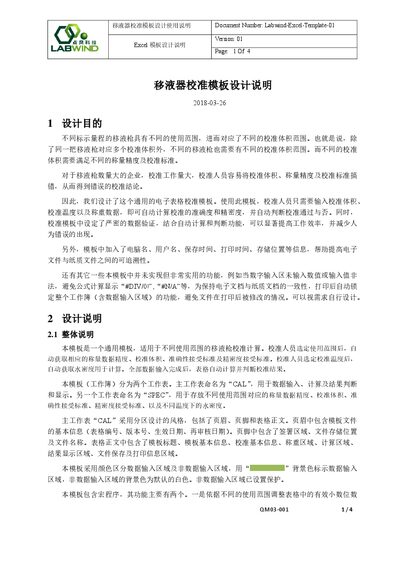
Labwind Labwind-Excel-Template-01 Excel Template Design and Usage Instructions
The Labwind Excel calibration template is designed to streamline pipette calibration by automatically calculating accuracy and precision based on user‑entered volume, temperature, and weight data. It includes built‑in data validation, macro‑driven calculations, and automatic recording of computer name, user, and timestamps to ensure traceability between electronic and paper records.
The workbook consists of two worksheets – CAL for data entry and result display, and SPEC for storing range‑specific parameters such as density, acceptable limits, and decimal precision. Users must enable macros, fill all highlighted cells, and follow the on‑screen prompts; the template will then indicate pass/fail results with color‑coded cells and generate a summary judgment. This manual is written in Chinese.
Covers: Design Purpose · Overall Design Description · CAL Worksheet Overview · SPEC Worksheet Overview · Cell Design and Formulas · Macro Protection and Settings
Latest Labwind manuals
Labwind Labwind-Excel-Template-01 Excel Template Design and Usage Instructions
User Manual 4 pages · 783 KB · ZHThis manual explains how to use Labwind's Excel calibration template for pipettes, covering design purpose, worksheet layout, data entry, calculations, and…
Which document do I need?
User Manual
Day-to-day operation, settings and troubleshooting. Start here if the product is already set up.
Questions answered in Labwind manuals
How do I enable macros for the template?
Open Excel, go to File → Excel Options → Trust Center → Macro Settings and select “Enable macros”.
From: Labwind Labwind-Excel-Template-01 Excel Template Design and Usage Instructions
What information is automatically recorded when the file is saved or printed?
The template records the computer name, user name, date, and time for both saving and printing actions.
From: Labwind Labwind-Excel-Template-01 Excel Template Design and Usage Instructions