
Key facts
- Manuals
- 1
- Languages
- ZH
- Last added
- 2026-09-29
Featured X-cam manuals
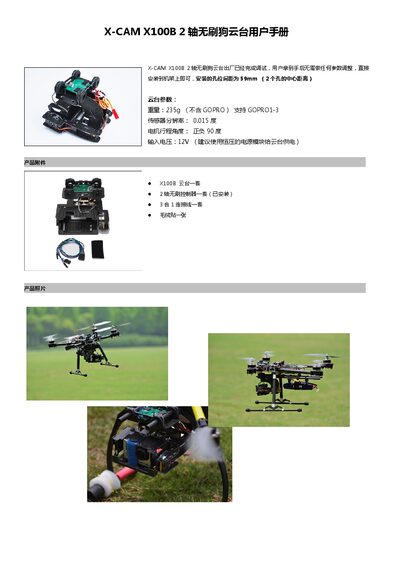
X-CAM X100B 2-Axis Brushless Gimbal User Manual
The X-CAM X100B is a 2‑axis brushless gimbal designed for drones and similar platforms. This user manual provides step‑by‑step instructions for installing the gimbal on a frame, connecting it to a receiver, calibrating the sensors, mounting a GoPro camera, and configuring parameters via the PC tuning software.
Key specifications include a weight of 235 g (without GoPro), input voltage of 12 V, sensor resolution of 0.015°, and a motor travel angle of ±90°. The gimbal supports GoPro models 1‑3, and mounting holes are spaced 59 mm apart. The document also offers guidance on selecting a suitable carrier and includes a safety disclaimer. This manual is written in Chinese.
Covers: Installation · Connection Diagram · Sensor Calibration · GoPro Mounting · Carrier Selection · PC Tuning Software
Latest X-cam manuals
X-CAM X100B 2-Axis Brushless Gimbal User Manual
User Manual 6 pages · 2.2 MB · ZHThe manual explains installation, wiring, sensor calibration, GoPro mounting, carrier selection, and PC tuning software for the X-CAM X100B 2‑axis brushless…
Which document do I need?
User Manual
Day-to-day operation, settings and troubleshooting. Start here if the product is already set up.
Questions answered in X-cam manuals
How do I calibrate the gimbal sensors?
You can start calibration by raising the ELE stick to its highest position at power‑on to hear two beeps, or by using the PC tuning software to run the calibration routine.
What voltage should be used to power the X100B gimbal?
The gimbal should be powered with a 12 V constant‑voltage source.