
Key facts
- Manuals
- 2
- Languages
- EN
- Last added
- 2026-10-03
Featured Williams manuals
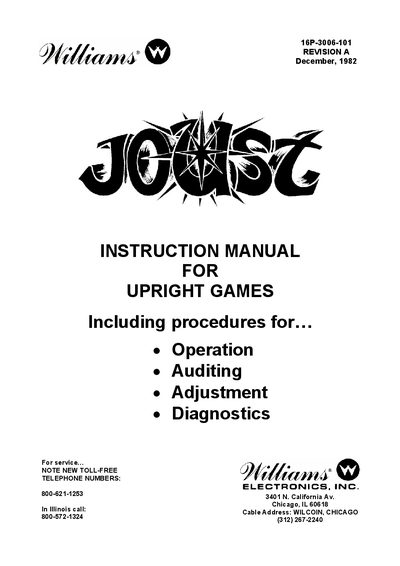
Williams Joust Upright Game Service Manual
This manual provides detailed procedures for operating the Williams Joust upright game, including coin handling, gameplay controls, and high‑score management. It also describes how to configure pricing schemes, set attract‑mode messages, and adjust game parameters.
A large portion of the document is devoted to service and diagnostic information: power‑up tests, ROM and RAM diagnostics, voltage adjustments, and sound‑board troubleshooting. Step‑by‑step instructions are given for restoring factory settings, resetting high‑score tables, and repairing faulty boards.
Covers: ROM Summary · Game Operation · Game Adjustments · Power‑Up Tests · Troubleshooting Procedures · Diagnostic Mode
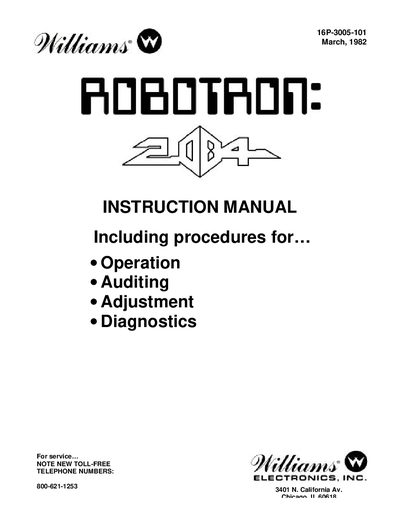
Williams Robotron 2084 Service Manual
The Williams Robotron 2084 Service Manual provides detailed instructions for powering on, operating, and servicing the arcade game. It covers safety cautions, game start procedures, joystick controls, scoring, and bookkeeping functions. The manual also explains how to adjust game settings such as number of turns, difficulty, and pricing schemes.
Additional sections guide technicians through power‑up tests, self‑diagnostics, troubleshooting of ROM, RAM, CMOS, and special chips, as well as procedures for restoring factory settings, resetting high scores, and configuring attract‑mode messages.
Covers: Power Turn‑On Caution · Game Operation · Game Adjustments · Pricing Schemes · Troubleshooting Procedures · Self Diagnostics
Latest Williams manuals
Williams Joust Upright Game Service Manual
Service Manual 13 pages · 399 KB · ENTechnical service manual for the Williams Joust upright arcade game, covering operation, adjustments, and troubleshooting.
Williams Robotron 2084 Service Manual
Service Manual 11 pages · 97 KB · ENOfficial service manual for the Williams Robotron 2084 arcade game with operation, adjustment, and troubleshooting procedures.
Which document do I need?
Service Manual
Disassembly, diagnostics and part numbers, for repair.
Questions answered in Williams manuals
How do I reset the high‑score table?
Enter Game‑Over mode, position the cursor on RESET HIGH SCORE TABLE, push the PLAYER 2 joystick right, and press ADVANCE twice.
How can I change the pricing scheme for coins?
Open the coin door, set the PRICING SELECTION to zero for a custom scheme, then adjust the left, center, and right slot unit values using the PLAYER 2 joystick and confirm with ADVANCE.
How do I restore the factory settings?
Position the cursor on RESTORE FACTORY SETTINGS, push FIRE, then depress ADVANCE.
How can I reset the high score table?
Select RESET HIGH SCORE TABLE, push FIRE, and depress ADVANCE.