
Key facts
- Manuals
- 1
- Languages
- ZH
- Last added
- 2026-10-03
Featured Victory manuals
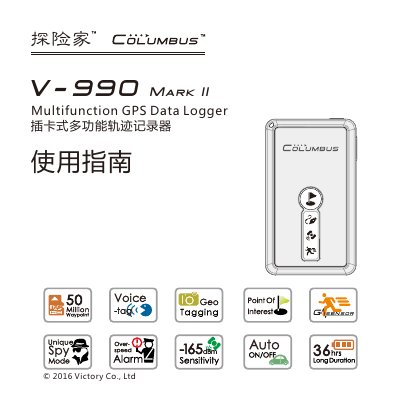
Victory V-990 Mark II Multifunction GPS Data Logger User Manual
This guide explains how to set up and operate the Victory V-990 Mark II multifunction GPS data logger, covering safety precautions, component description, button functions, indicator lights, and the various recording modes such as motion‑sensing, spy mode, and overspeed alarm.
It also details accessory usage, storage‑card requirements, power options, software installation, and provides full product specifications, warranty information, and troubleshooting tips. This manual is written in Chinese.
Covers: Item Check · Button Functions · Indicator Lights and Sounds · Function Introduction · Accessory Use · Work Modes
Latest Victory manuals
Victory V-990 Mark II Multifunction GPS Data Logger User Manual
User Manual 40 pages · 2.5 MB · ZHThe Victory V-990 Mark II GPS data logger user manual provides setup, operation, and specifications for safe use.
Which document do I need?
User Manual
Day-to-day operation, settings and troubleshooting. Start here if the product is already set up.
Questions answered in Victory manuals
How do I turn the device on and off?
Press and hold the power key to turn the device on or off; a short press switches between motion‑sensing mode and normal mode.
From: Victory V-990 Mark II Multifunction GPS Data Logger User Manual
How can I add a point of interest while recording?
Short‑press the anchor key to mark the current location as a point of interest; long‑press starts a new track.
From: Victory V-990 Mark II Multifunction GPS Data Logger User Manual