
Key facts
- Manuals
- 1
- Languages
- ZH
- Last added
- 2026-09-29
Featured NAD manuals
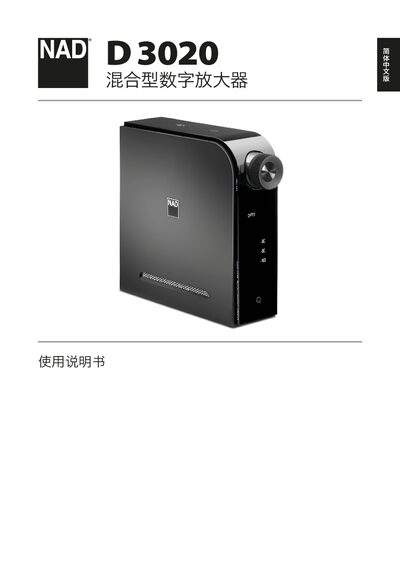
NAD D3020 Hybrid Digital Amplifier User Manual
This manual begins with safety instructions and recommended ventilation clearances, then guides you through unpacking, initial wiring, speaker and source connections, and power setup. It also covers remote‑control operation, Bluetooth pairing, and optional foot‑stand installation.
Later sections describe each control button, the automatic standby feature, audio input options (digital, USB, analog, Bluetooth), and detailed audio performance specifications. The final pages give regulatory information, recycling instructions, and warranty notes. This manual is written in Chinese.
Covers: Safety Instructions · Installation and Initial Setup · Control Functions · Speaker and Source Connections · Remote Control and Bluetooth Pairing · Audio Specifications
Latest NAD manuals
NAD D3020 Hybrid Digital Amplifier User Manual
User Manual 10 pages · 2.2 MB · ZHThe NAD D3020 hybrid digital amplifier user manual provides safety warnings, installation steps, control functions, connection methods, and audio…
Which document do I need?
User Manual
Day-to-day operation, settings and troubleshooting. Start here if the product is already set up.
Questions answered in NAD manuals
How do I enable automatic standby mode?
Press and hold the remote’s OFF button while the unit is in standby until the display flashes once; this activates automatic standby after 30 minutes of inactivity.
How do I pair a Bluetooth device with the D3020?
Put the Bluetooth device in pairing mode and select the D3020 (e.g., D3020 010DD3) from the device list; once paired, start playback from the Bluetooth source.