
Key facts
- Manuals
- 1
- Languages
- ZH
- Last added
- 2026-09-29
Featured Inno3D manuals
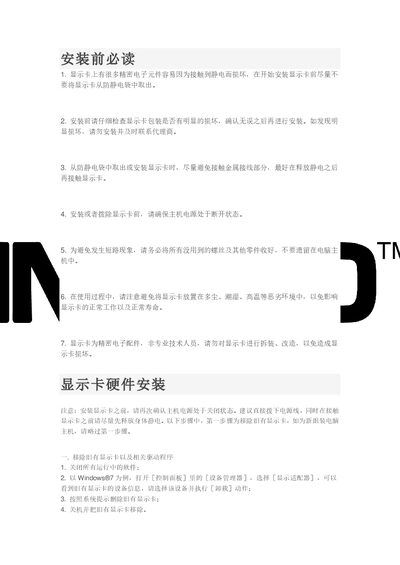
Inno3D Graphics Card Installation and Usage Guide
The manual walks you through preparing the graphics card, installing it in the PC, connecting power, and installing the appropriate drivers for Windows systems. It also covers SLI setup, screen resolution, refresh rate, multi‑monitor configuration, digital audio, and PhysX settings.
Additional sections give advice on daily maintenance, including proper power supply selection, static‑electric protection, operating temperature and humidity limits, dust cleaning, and avoiding extreme environmental conditions to ensure long‑term reliability of the graphics card. This manual is written in Chinese.
Covers: 安装前必读 · 显示卡硬件安装 · 驱动程序安装与设置 · SLI系统组建 · 屏幕分辨率设置 · 屏幕刷新率设置
Latest Inno3D manuals
Inno3D Graphics Card Installation and Usage Guide
User Manual 11 pages · 416 KB · ZHThis guide provides installation steps, driver setup, SLI configuration, display settings, and maintenance tips for Inno3D graphics cards.
Which document do I need?
User Manual
Day-to-day operation, settings and troubleshooting. Start here if the product is already set up.
Questions answered in Inno3D manuals
How can I avoid static damage to the graphics card?
Before inserting or removing the card, discharge any static electricity from your body, for example by touching a grounded object.
What power connectors are required for an Inno3D graphics card?
The card may need 6‑Pin, 8‑Pin, double 6‑Pin, 6‑Pin + 8‑Pin, or double 8‑Pin power connectors, depending on the model.