
Key facts
- Manuals
- 1
- Languages
- ZH
- Last added
- 2026-10-01
Featured Gudsen manuals
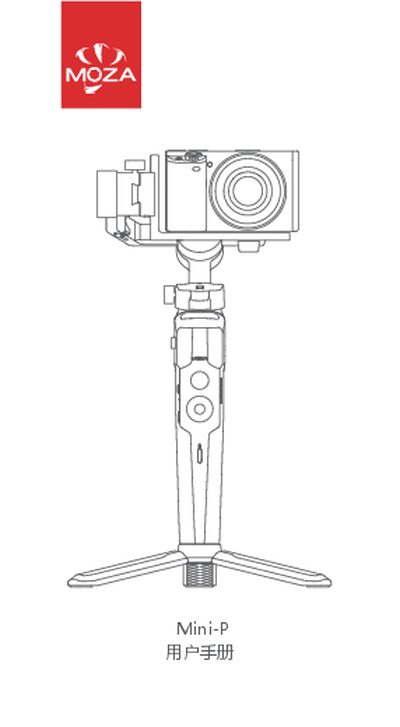
Gudsen Mini-P Gimbal User Manual
This manual provides step‑by‑step instructions for using the Mini‑P handheld gimbal. It covers battery charging via the universal Type‑C port, folding and unfolding the device, mounting a camera or smartphone, and operating the various control buttons and modes.
It also details how to upgrade firmware with the MOZA Master app, calibrate the gimbal, and outlines the product specifications and warranty terms. Contact information for Gudsen and links to app download QR codes are included. This manual is written in Chinese.
Covers: Battery and Charging · Folding and Unfolding · Camera Installation · Phone Installation · Controls and Operation · Firmware Upgrade
Latest Gudsen manuals
Gudsen Mini-P Gimbal User Manual
User Manual 14 pages · 7.7 MB · ZHThe Gudsen Mini-P gimbal user manual explains charging, setup, camera/phone mounting, controls, firmware updates and warranty.
Which document do I need?
User Manual
Day-to-day operation, settings and troubleshooting. Start here if the product is already set up.
Questions answered in Gudsen manuals
How do I charge the Mini‑P gimbal?
Use the built‑in Type‑C port with any phone charger or power bank; charging stops automatically when full.
How can I upgrade the firmware?
Power off the gimbal, hold the middle dial, long‑press the power button until the indicator flashes, then use the MOZA Master app to download and install the update.