
Key facts
- Manuals
- 1
- Languages
- EN
- Last added
- 2026-09-30
Featured ehang manuals
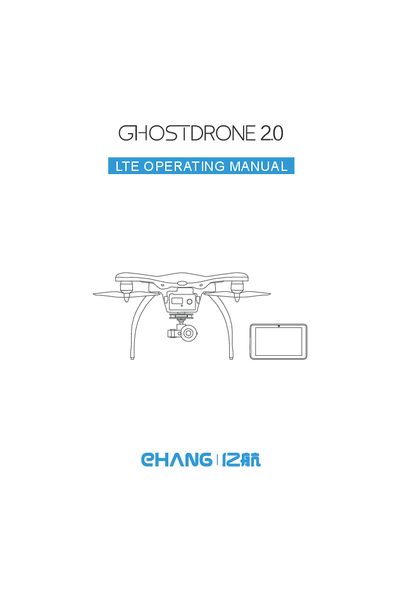
EHang GHOSTDRONE 2.0 LTE Operating Manual
This manual covers everything needed to set up and safely operate the GHOSTDRONE 2.0 LTE, including a detailed packing list, assembly instructions, propeller installation, and battery handling. It also outlines important safety warnings such as keeping the drone away from restricted air zones, strong electromagnetic sources, and maintaining line‑of‑sight during flight.
The guide explains how to connect the drone to the 10.6‑inch HD tablet, use the 4G communication link, and operate the EHANG Pro software for waypoint planning, live video streaming, and camera control. Technical specifications for the drone, camera, gimbal, tablet, and power adapters are provided in the later sections.
Covers: Assembly · Safety Warnings · Flight Planning · 4G Communication · Tablet Interface · Battery and Power
Latest ehang manuals
EHang GHOSTDRONE 2.0 LTE Operating Manual
User Manual 44 pages · 1.2 MB · ENThe EHang GHOSTDRONE 2.0 LTE Operating Manual provides assembly steps, safety warnings, specifications, and software interface guidance for safe drone…
Which document do I need?
User Manual
Day-to-day operation, settings and troubleshooting. Start here if the product is already set up.
Questions answered in ehang manuals
What safety precautions should be taken before flying the GHOSTDRONE 2.0 LTE?
Consult ICAO and local aviation regulations, fly only in open areas, keep at least 200 m from strong EM sources, avoid restricted air zones, maintain line‑of‑sight, and do not fly in inclement weather.
How do I turn on the drone and the tablet?
The manual includes a section titled “Turning on Your Drone” and another titled “Turning on Your Tablet, Portable Wi‑Fi and EHANG Pro Software” that describe the power‑on procedures for each device.