
Key facts
- Manuals
- 1
- Languages
- EN
- Last added
- 2026-10-03
Featured City Theatrical manuals
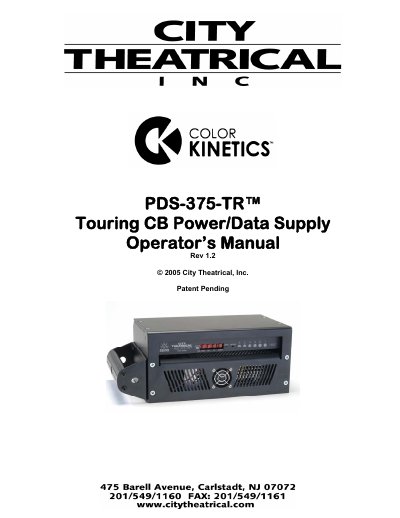
City Theatrical PDS-375-TR Power/Data Supply Operator’s Manual
This manual explains how to install, configure, and operate the City Theatrical PDS-375-TR touring power/data supply. It covers safety cautions, compliance certifications, and compatibility with Color Kinetics lighting fixtures, as well as detailed descriptions of front‑panel controls, back‑panel features, and wiring connections.
The document also describes the three operating modes (CB, Pass‑Thru, and Stand‑Alone), the Mini‑Zapi reset feature, mounting options, and full technical specifications such as dimensions, power ratings, and output capabilities.
Covers: Cautions · Compliance Certifications · Compatibility with Color Kinetics Equipment · Color Kinetics Fixtures Supported · Front Panel Controls · Back Panel Features
Latest City Theatrical manuals
City Theatrical PDS-375-TR Power/Data Supply Operator’s Manual
User Manual 11 pages · 187 KB · ENThe City Theatrical PDS-375-TR Operator’s Manual provides setup, operation, and specifications for the touring power/data supply used with Color Kinetics…
Which document do I need?
User Manual
Day-to-day operation, settings and troubleshooting. Start here if the product is already set up.
Questions answered in City Theatrical manuals
How do I reset the PDS-375‑TR system?
Press the Reset Switch on the front panel to reset the unit’s microprocessor.
From: City Theatrical PDS-375-TR Power/Data Supply Operator’s Manual
How do I put the unit into Pass‑Thru mode?
Set all three DMX address switches to 000 and set the Config Switch to 0.
From: City Theatrical PDS-375-TR Power/Data Supply Operator’s Manual