
Key facts
- Manuals
- 1
- Languages
- EN
- Last added
- 2026-09-30
Featured Blue Sea Systems manuals
Blue Sea Systems m-LVD Low Voltage Disconnect User Manual
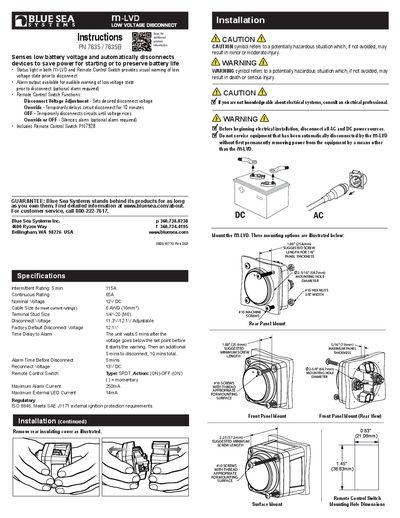
This manual provides step‑by‑step instructions for installing the Blue Sea Systems m‑LVD Low Voltage Disconnect, including mounting options, wiring diagrams, and fuse selection. It also explains how to use the optional remote control switch and alarm output.
Operational details cover adjusting the disconnect voltage, interpreting LED status indicators, and using the override and off functions to temporarily delay or silence the disconnect. Safety cautions and regulatory compliance notes are included throughout.
Covers: Installation · Mounting Options · Remote Control Switch · Specifications · Connection Table · LED Status Chart
Latest Blue Sea Systems manuals
Blue Sea Systems m-LVD Low Voltage Disconnect User Manual
User Manual 2 pages · 1018 KB · ENInstallation and operation guide for the Blue Sea Systems m-LVD Low Voltage Disconnect, covering wiring, settings, and safety information.
Which document do I need?
User Manual
Day-to-day operation, settings and troubleshooting. Start here if the product is already set up.
Questions answered in Blue Sea Systems manuals
How do you adjust the disconnect voltage on the m‑LVD?
Press and hold the OVERRIDE position for 10 seconds to enter adjustment mode, then use the OFF button to decrease or the OVERRIDE button to increase the voltage in 0.2 V steps.
From: Blue Sea Systems m-LVD Low Voltage Disconnect User Manual
What is the alarm time before the m‑LVD disconnects?
The unit waits 5 minutes after the voltage falls below the set point before sounding the alarm, then an additional 5 minutes before disconnecting.
From: Blue Sea Systems m-LVD Low Voltage Disconnect User Manual