
Key facts
- Manuals
- 1
- Languages
- EN
- Last added
- 2022-12-28
Featured annke manuals
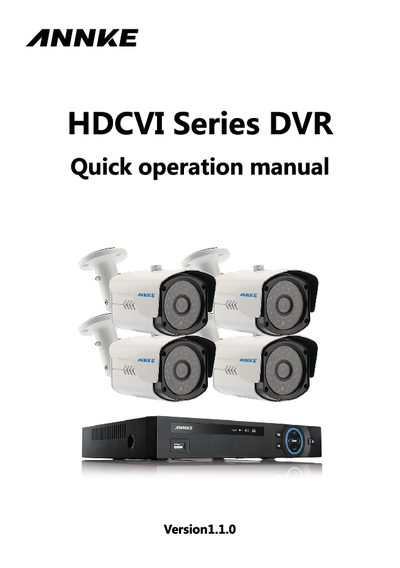
ANNKE HDCVI Series DVR Quick Operation Manual
The manual begins with important safety and environmental safeguards, emphasizing proper grounding, avoiding water exposure, and using only qualified service engineers for repairs. It also lists required accessories and cautions about lithium‑battery handling.
Subsequent sections cover the DVR’s features, such as analog, VGA and HD video outputs, network connectivity, PTZ control, and storage options. Detailed installation instructions for the SATA hard drive, front‑panel button functions, rear‑panel ports, and sample connection diagrams are provided, followed by login credentials and basic navigation guidance.
Covers: Important Safeguards and Warnings · Features and Specifications · HDD Installation · Front Panel · Rear Panel · Connection Sample
Latest annke manuals
ANNKE HDCVI Series DVR Quick Operation Manual
Quick Start Guide 13 pages · 10.9 MB · ENThis quick operation manual provides safety guidelines, installation steps, and basic usage instructions for the ANNKE HDCVI Series DVR.
Which document do I need?
Quick Start Guide
The shortest path to a working setup, usually only a few pages.
Questions answered in annke manuals
What are the default usernames and passwords?
The default credentials are: admin / admin, 888888 / NULL, 666666 / NULL, and hidden user default / default.
How many hard drives can be installed in the DVR?
The DVR supports only one SATA hard drive.