
Key facts
- Manuals
- 1
- Languages
- ZH
- Last added
- 2026-10-01
Featured Align Technology manuals
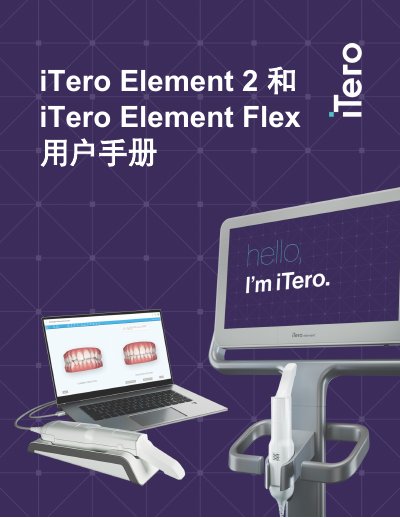
Align Technology iTero Element 2 & Flex User Manual
The document begins with safety and compliance details, describing the hardware components such as the HD touch screen, scanning rod, battery, and wireless LAN unit. It also lists regulatory standards the devices meet, including IEC 60601‑1, EN 60825‑1, FCC Part 15 and CE.
Subsequent sections cover assembly, installation of the iTero software, first‑time login, Wi‑Fi configuration, and detailed scanning workflows. The manual explains patient management, treatment planning, order processing, and the integration of Invisalign features, providing step‑by‑step guidance for dental professionals. This manual is written in Chinese.
Covers: Introduction · Hardware Overview · Software Overview · Assembly Instructions · Installation & First Login · Wi‑Fi Setup
Latest Align Technology manuals
Align Technology iTero Element 2 & Flex User Manual
User Manual 128 pages · 12.2 MB · ZHThis manual provides safety information, setup steps, operation instructions and software usage for the iTero Element 2 and iTero Element Flex intraoral…
Which document do I need?
User Manual
Day-to-day operation, settings and troubleshooting. Start here if the product is already set up.
Questions answered in Align Technology manuals
What safety warning is given for patients with epilepsy?
The scanner’s flash lamp may trigger seizures, so patients diagnosed with epilepsy should avoid looking at the flash.
From: Align Technology iTero Element 2 & Flex User Manual
What type of battery does iTero Element 2 use and how long does it operate on a full charge?
It uses a rechargeable lithium‑ion battery that fully charges after about 2 hours and provides up to 30 minutes of scanning.
From: Align Technology iTero Element 2 & Flex User Manual